
"Kling O1 made video creation incredibly easy - the Kling AI video generator produced smooth cinematic clips from just a simple prompt."
Alex R.
Turn ideas into cinematic videos with Kling O1. This advanced Kling AI video generator converts text and images into dynamic clips with Kling AI image to video.
Click or drag video file here to upload
Create and edit AI videos easily with Kling O1 on Arting AI. Use the Kling AI video generator and Kling AI image to video tools to turn prompts or images into cinematic clips.
1
Start by uploading the video you want to edit in Kling O1. Simply drag and drop your file or select it from your device to begin editing with the Kling AI video generator.
2
Enter the changes you want in natural language. Kling O1 understands prompts to modify scenes, styles, or backgrounds using advanced Kling AI image to video technology.
3
After processing, Kling O1 will generate your edited video based on the prompt and settings. Preview the result and download the final video instantly with no watermark.
Discover powerful Kling O1 features on Arting AI, including multimodal creation, Kling AI image to video, and advanced editing with the Kling AI video generator.bg-white
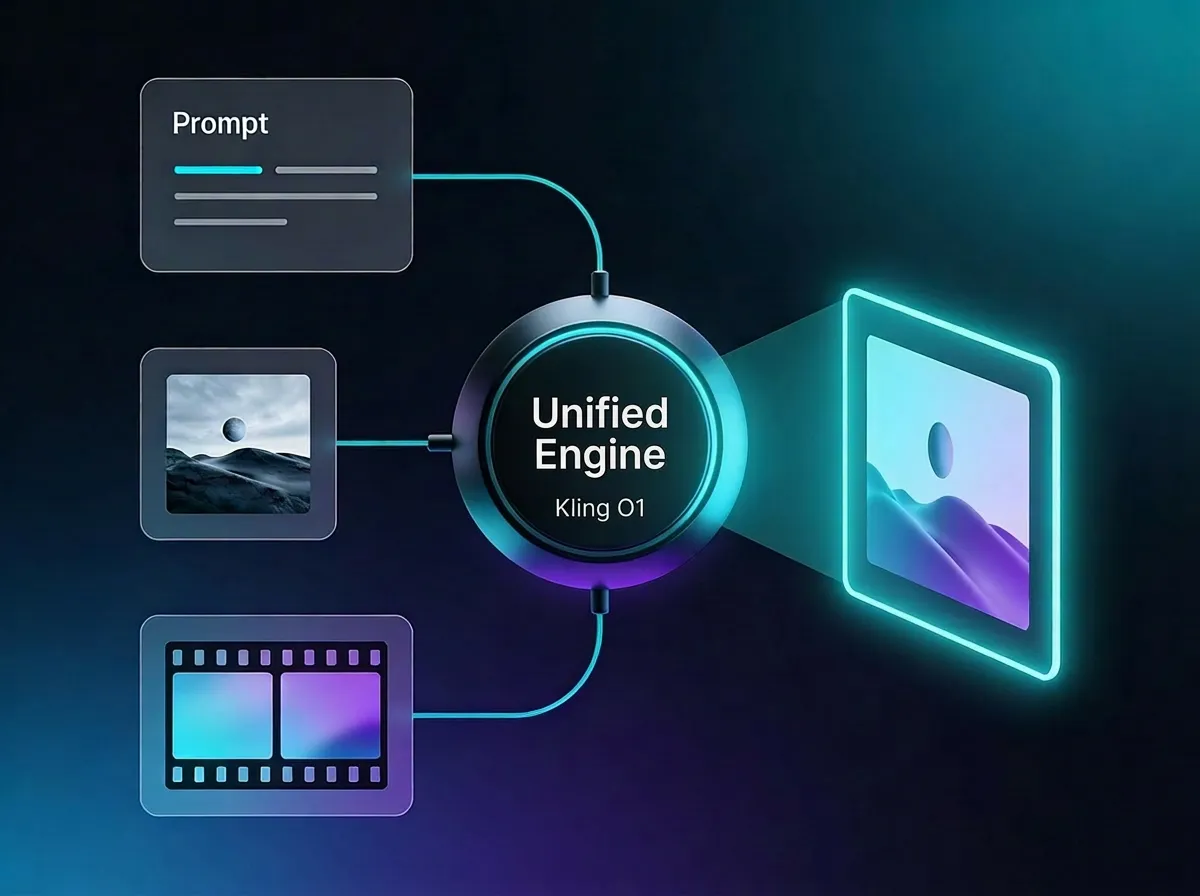
Kling O1 combines text, images, and video inputs into a single creative workflow. The Kling AI video generator can process multiple types of instructions at once, allowing creators to mix prompts, visuals, and clips in one request. This unified system helps Kling O1 accurately understand complex ideas and generate cinematic outputs using both prompt-to-video and Kling AI image to video capabilities.
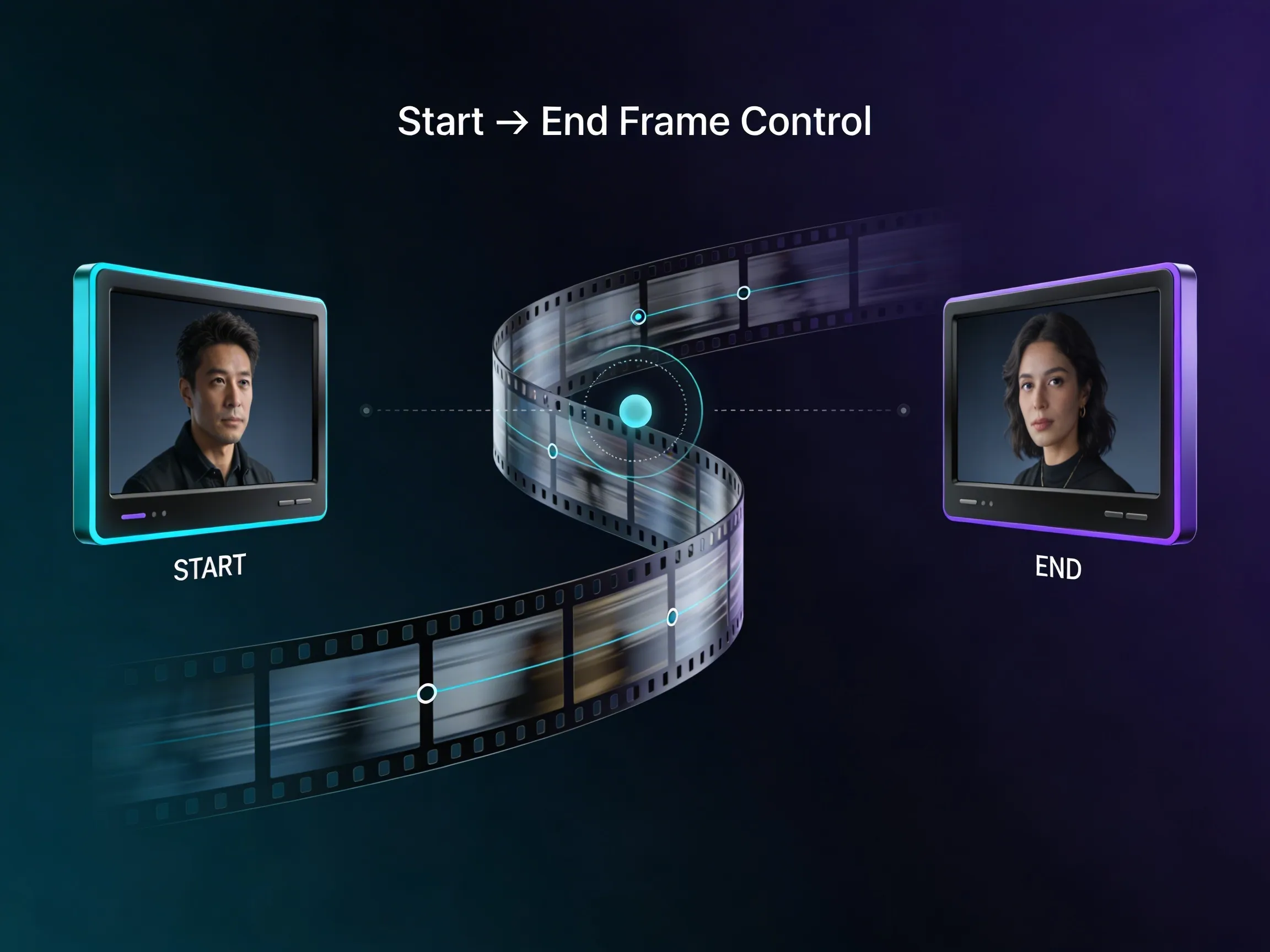
With Kling O1, users can upload both a starting frame and an ending frame to guide the animation. The Kling AI video generator intelligently fills the middle frames with smooth motion and logical transitions. This feature helps creators design complex scenes and cinematic shots while ensuring visual continuity and natural movement throughout the generated sequence.
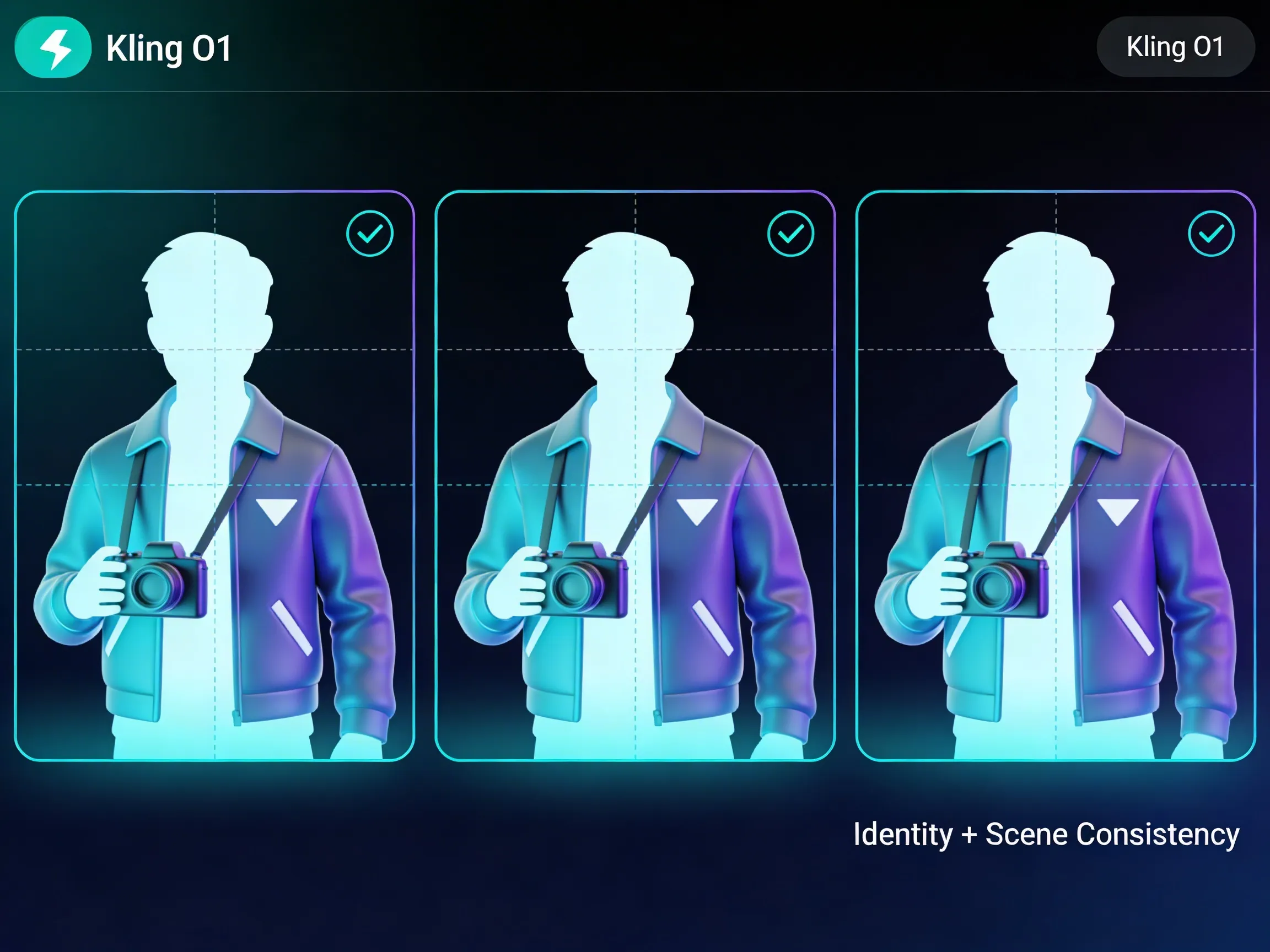
Kling O1 ensures strong identity and scene consistency across multiple shots. The Kling AI video generator can reference several visual elements such as character angles, clothing, props, and environments. This allows Kling O1 to maintain stable character appearances and scene details across long videos, even when using Kling AI image to video workflows.
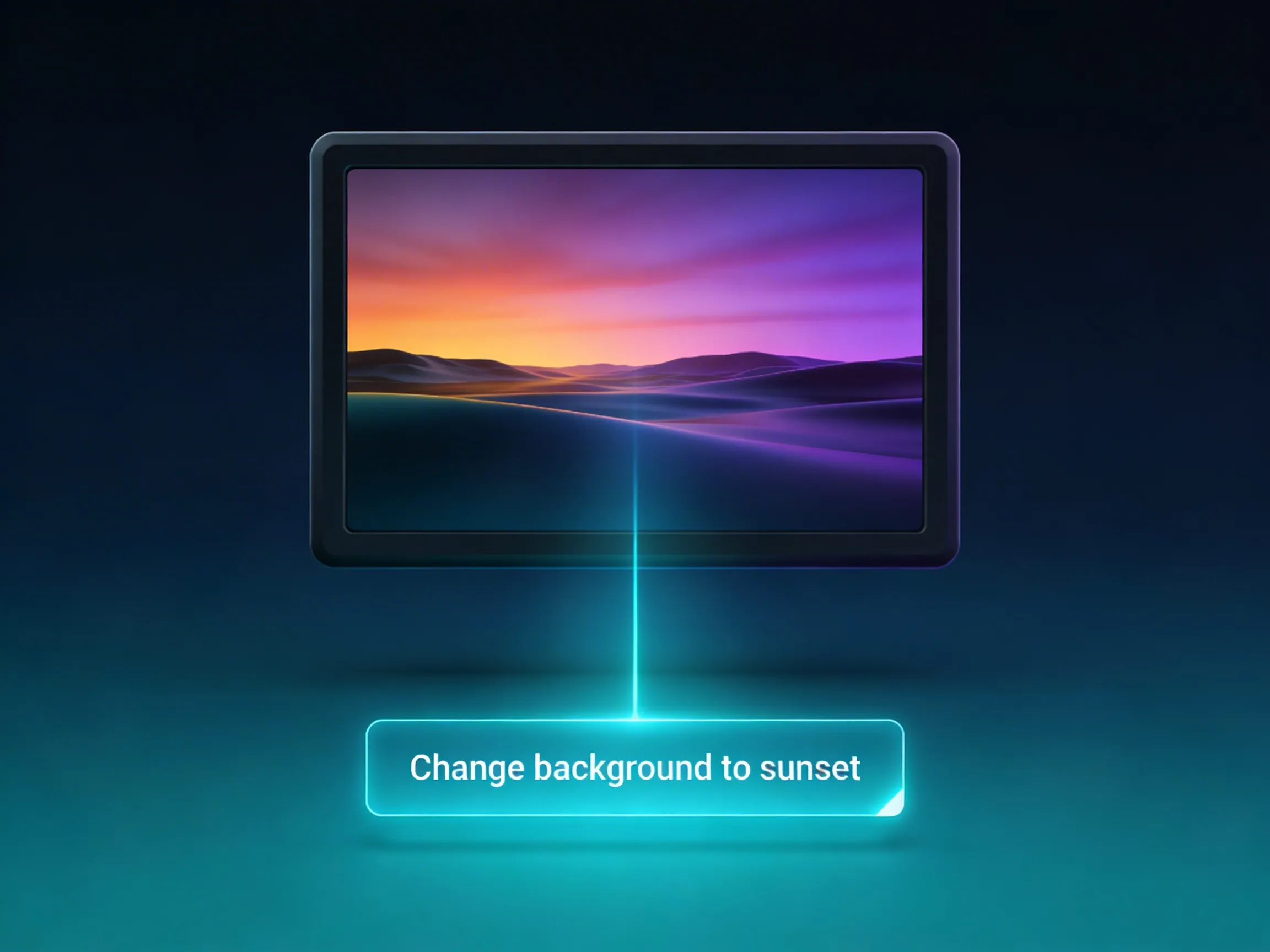
The Kling O1 video-to-video editing system allows users to modify existing videos through simple prompts. With the Kling AI video generator, you can replace backgrounds, remove objects, adjust characters, or apply new styles. Kling O1 carefully edits only the requested areas while preserving the original quality of unchanged sections.
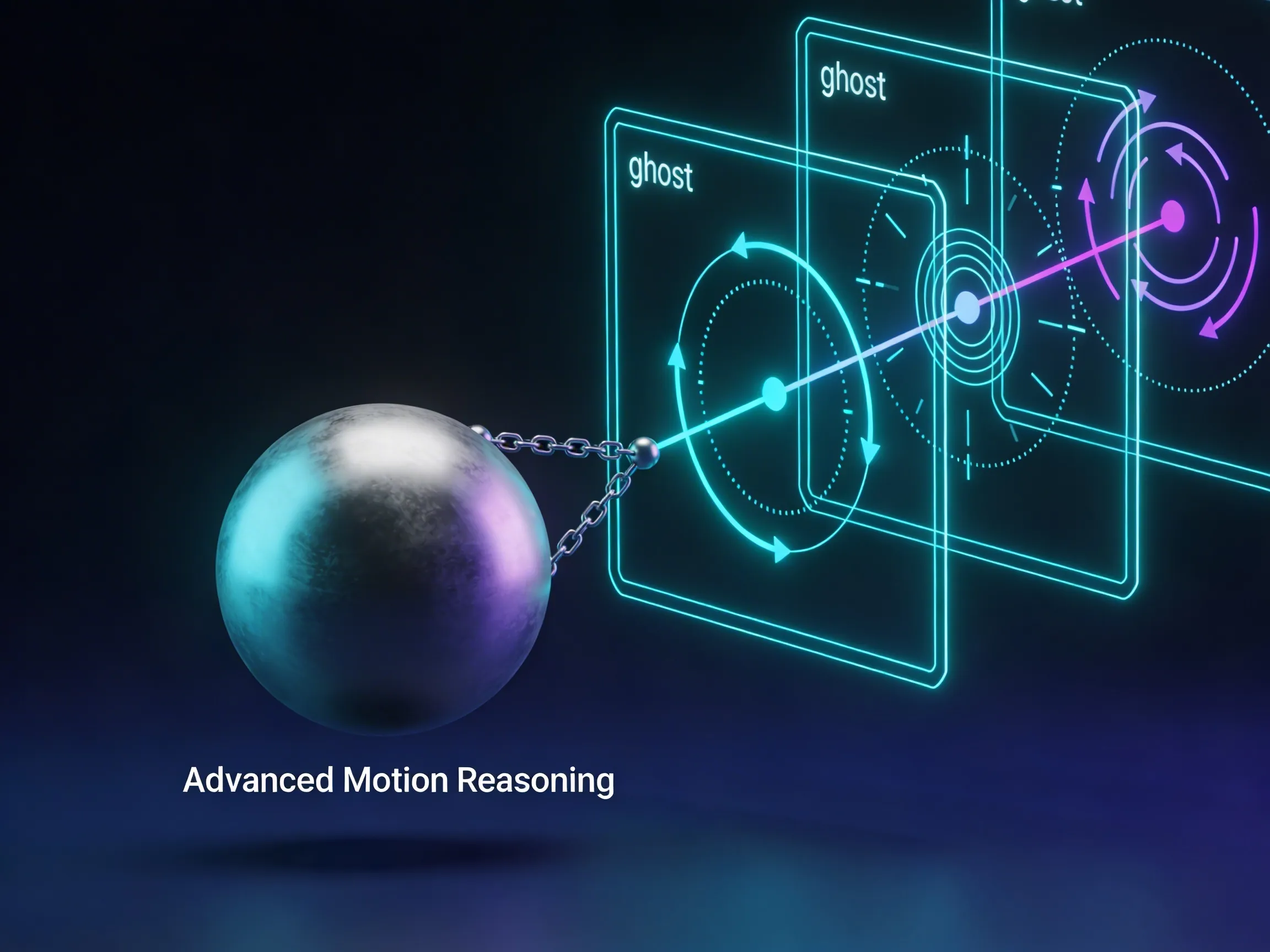
Kling O1 introduces chain-of-thought reasoning to improve motion realism. Before generating frames, the Kling AI video generator analyzes physical movement, interactions, and scene dynamics. This intelligent reasoning process allows Kling O1 to produce more believable actions, smoother animations, and visually stable results in complex video scenes.
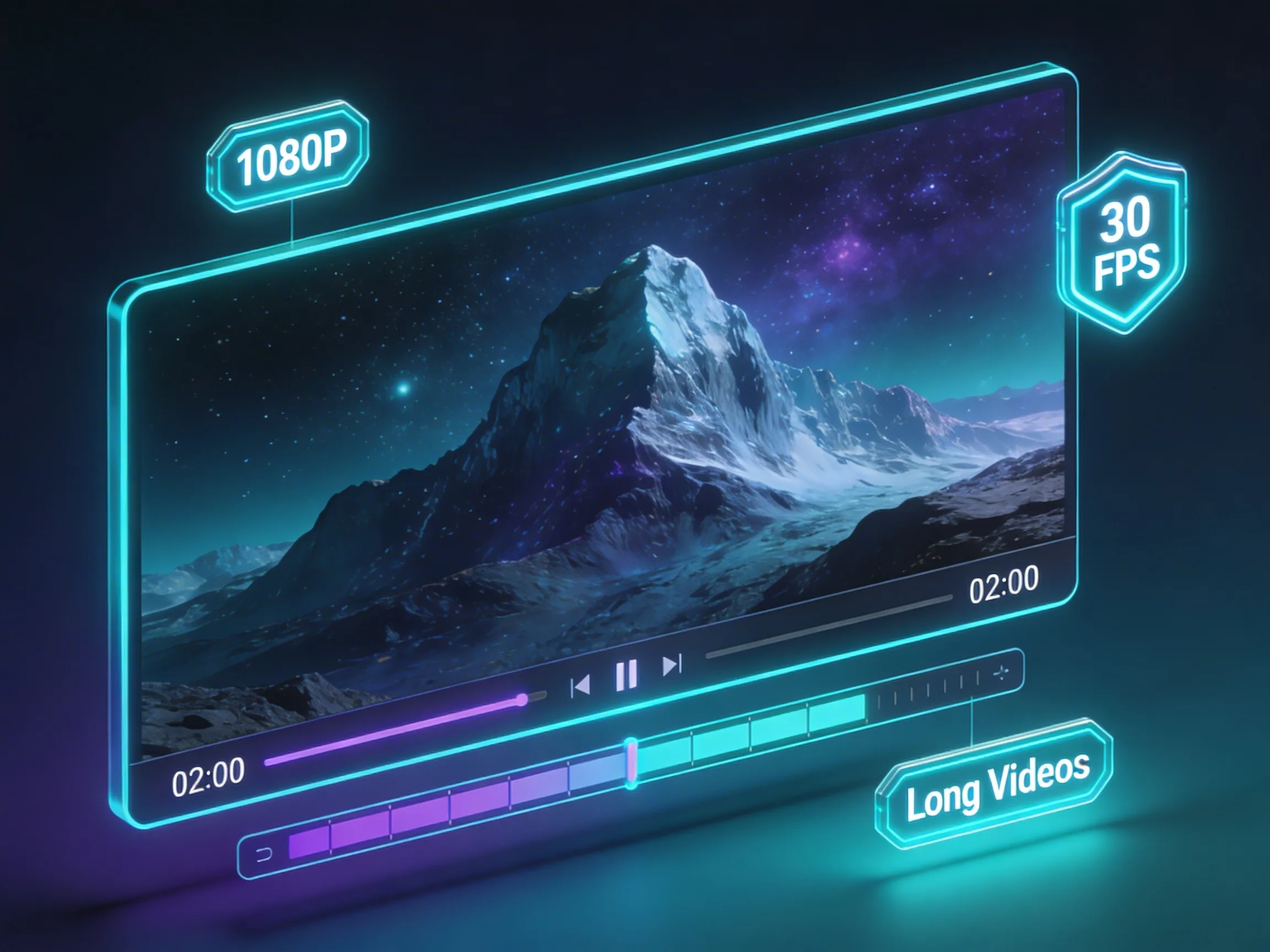
With Kling O1, creators can generate cinematic videos in native 1080p at 30fps. Kling AI video generator supports multiple aspect ratios and longer clips, enabling videos up to two minutes. Whether generating from prompts or using Kling AI image to video, Kling O1 delivers professional-quality visuals for storytelling and creative production.
Discover how Kling O1 powers filmmaking, marketing, social media, and education using the Kling AI video generator and Kling AI image to video technology.
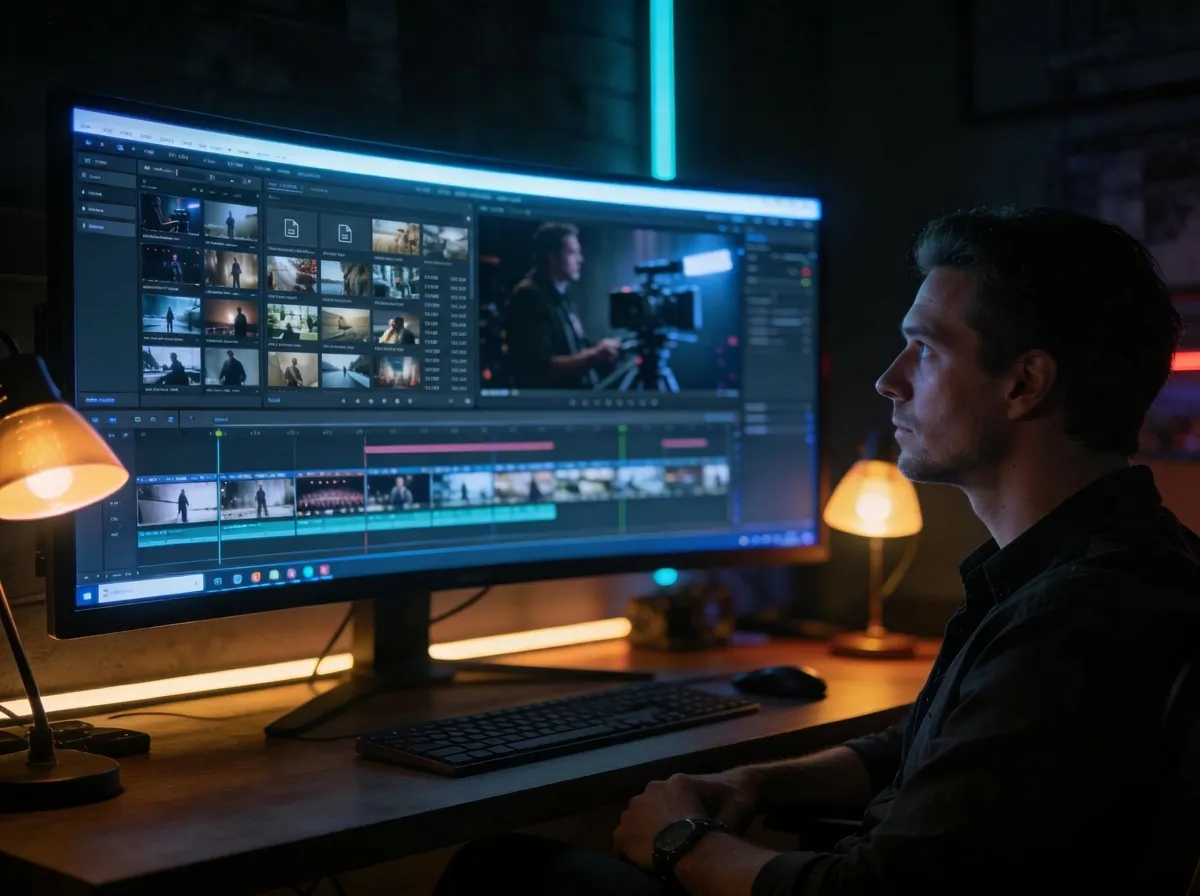
With Kling O1, filmmakers and marketers can quickly produce cinematic trailers, storyboards, and promotional videos. The Kling AI video generator ensures visual continuity and smooth scene transitions, helping creators build professional previews and brand ads using prompts or Kling AI image to video workflows.
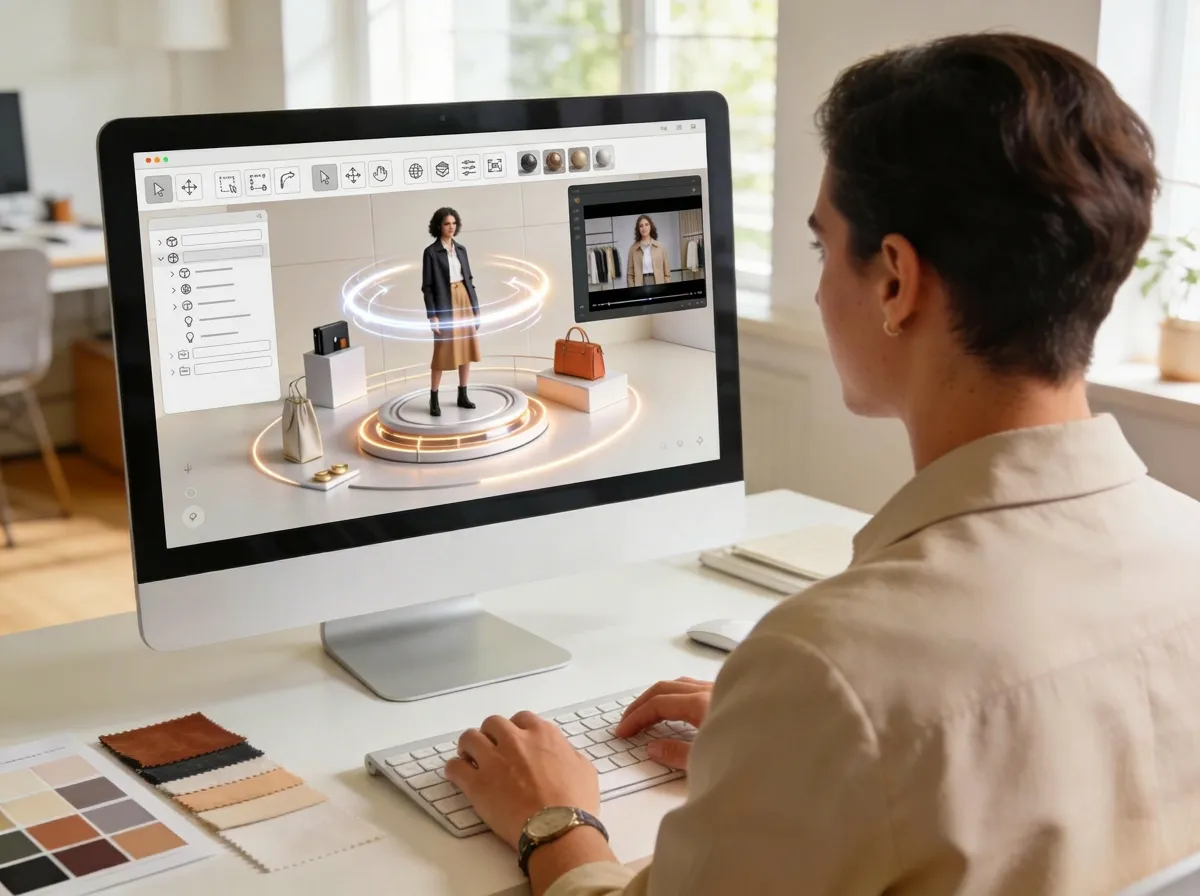
Kling O1 helps brands turn product images into engaging marketing videos. Using the Kling AI video generator and Kling AI image to video tools, businesses can animate product displays, create virtual lookbooks, or simulate runway-style showcases to present products in a dynamic and attractive way.
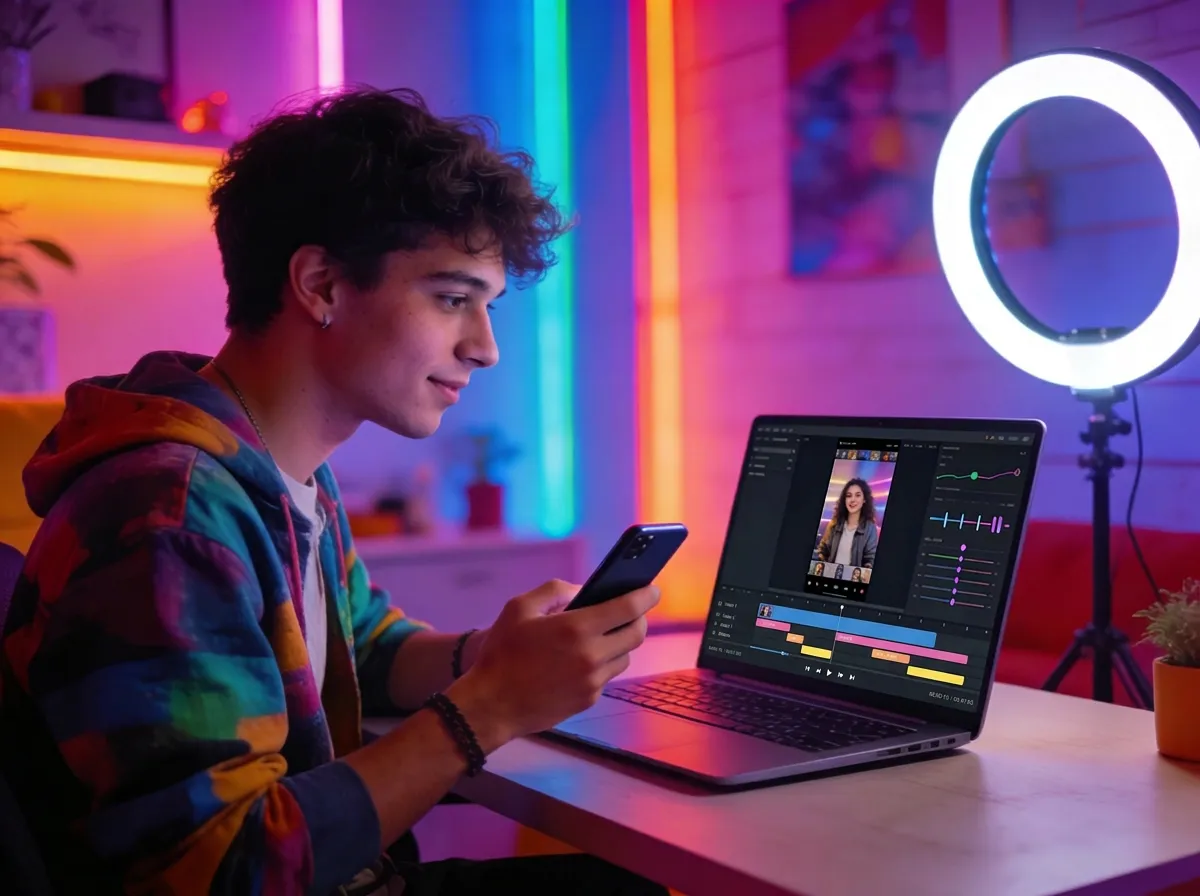
Content creators can use Kling O1 to generate engaging videos without complex editing tools. The Kling AI video generator allows users to modify scenes, replace backgrounds, or add creative effects through simple prompts, while Kling AI image to video helps transform visuals into scroll-stopping short videos.
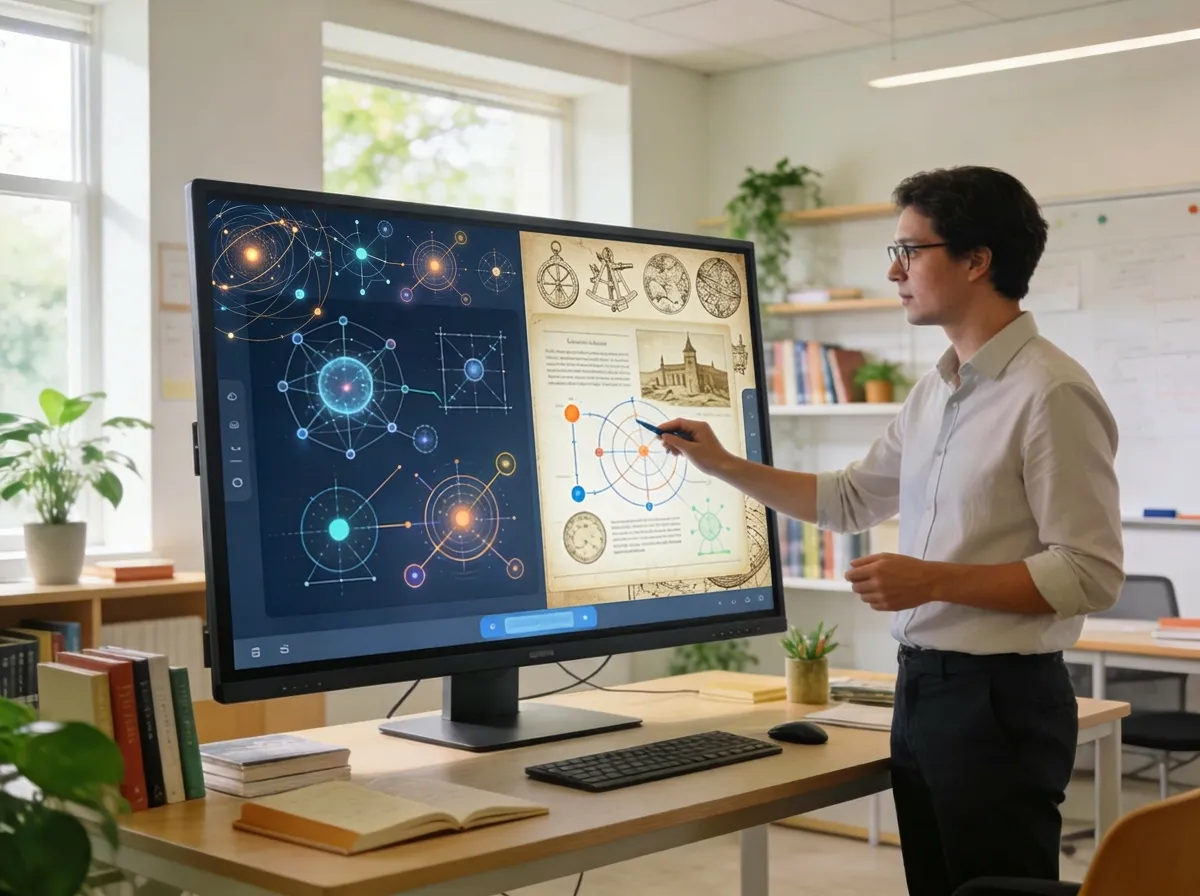
Kling O1 makes it easier to visualize complex ideas through video. Educators and trainers can use the Kling AI video generator to convert abstract topics, historical events, or product tutorials into clear visual explanations using Kling AI image to video and prompt-based video generation.
See why Kling O1 stands out with powerful control, efficient workflows, and cinematic results using the Kling AI video generator and Kling AI image to video tools.

Kling O1 simplifies creation by combining generation, editing, and animation in one platform. The Kling AI video generator replaces complex multi-tool workflows and supports seamless Kling AI image to video production.
Unlike random AI outputs, Kling O1 provides greater creative control. With the Kling AI video generator, users can guide motion, lock visual elements, and produce more predictable cinematic results.

Kling O1 lowers the barrier to high-quality video production. With simple prompts and images, even beginners can create professional videos using the Kling AI video generator and Kling AI image to video features.

Powered by advanced multimodal capabilities, Kling O1 delivers stable video generation and editing. The Kling AI video generator processes references accurately, producing consistent results across scenes and longer videos.
"Kling O1 made video creation incredibly easy - the Kling AI video generator produced smooth cinematic clips from just a simple prompt."

"I used Kling O1 for product marketing, and the Kling AI image to video feature turned our product photos into stunning promotional videos."

"The control in Kling O1 is impressive. The Kling AI video generator keeps characters and scenes consistent across multiple shots."

"With Kling O1, I can generate social media videos in minutes. The Kling AI image to video workflow is perfect for quick content creation."

"The video-to-video editing in Kling O1 saved me hours. The Kling AI video generator handled background changes perfectly."

"I was surprised by the cinematic quality from Kling O1. It feels like using a professional studio powered by a Kling AI video generator."

"Using Kling O1 and Kling AI image to video tools helped me turn simple images into engaging storytelling videos."

"The workflow with Kling O1 is simple but powerful. The Kling AI video generator gives creators real control over the final video."

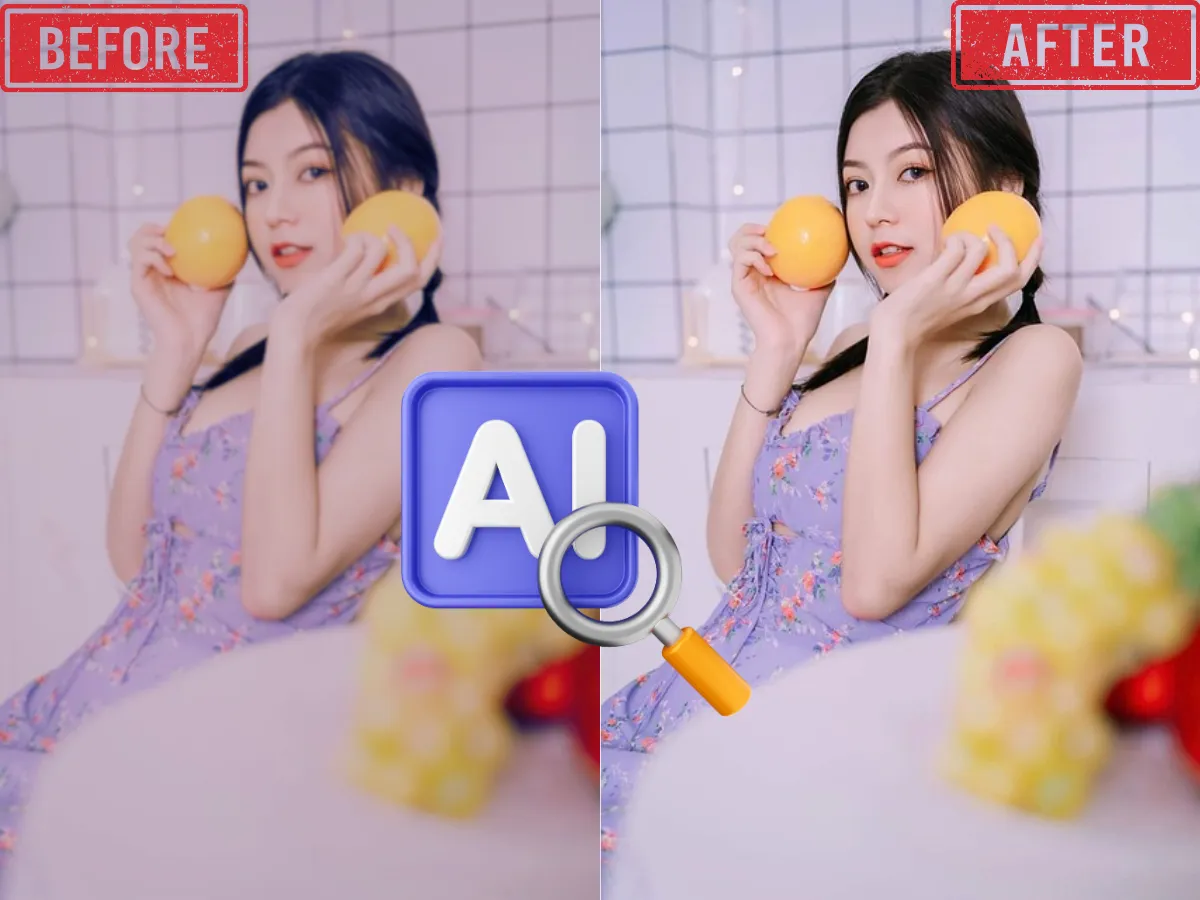
AI Image Enhancer
Enhance and upscale images for better resolution, sharpness, and color with one click using AI-powered image enhancement.
Learn More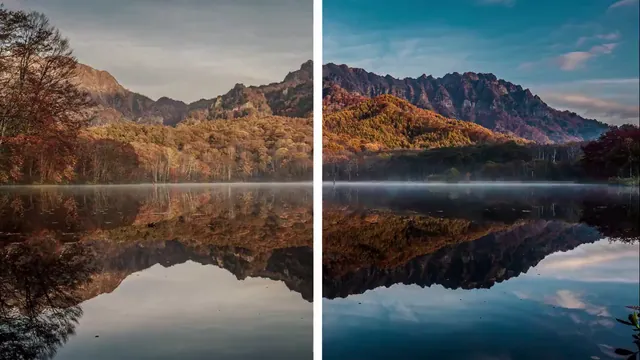
AI Video Enhancer
Boost video quality, clarify details, and enhance resolution with advanced AI—perfect for restoring old or low-res videos.
Learn More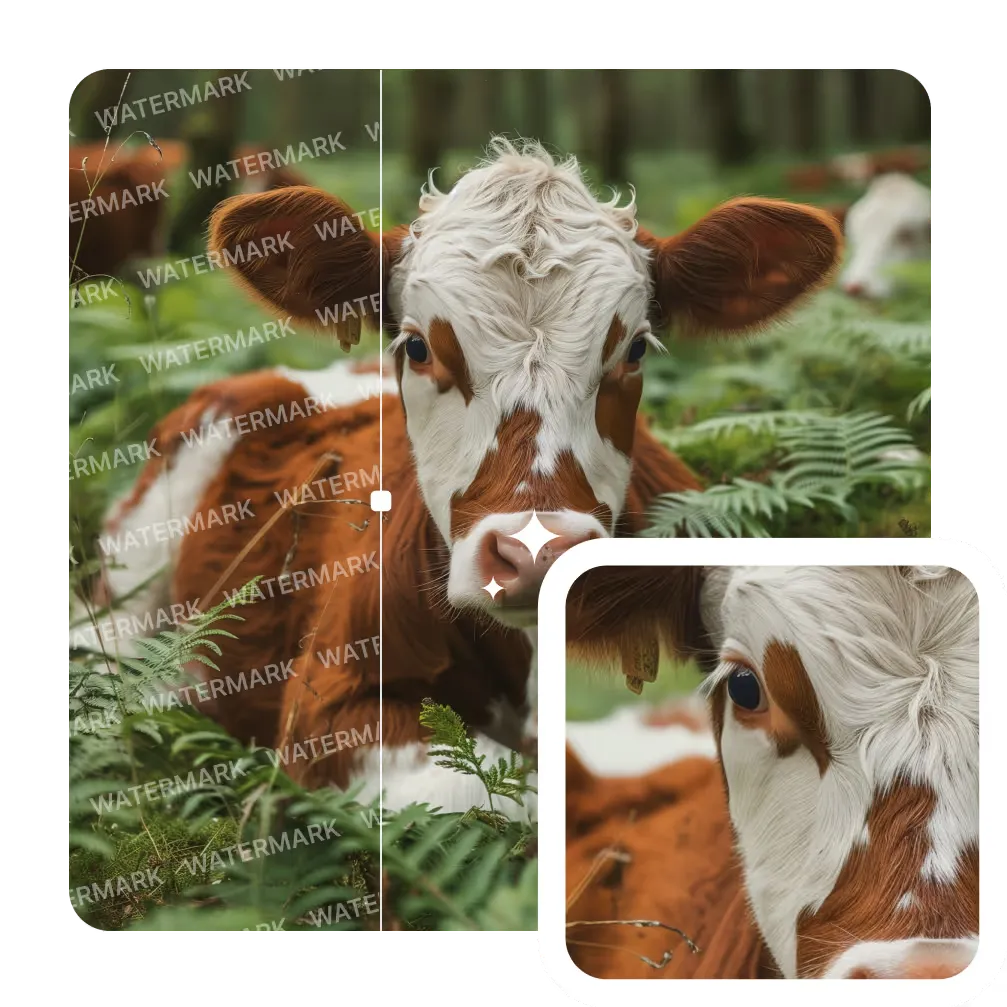
AI Image Watermark Remover
Remove unwanted watermarks from images cleanly and quickly with AI-powered technology. Get clear results with no trace.
Learn More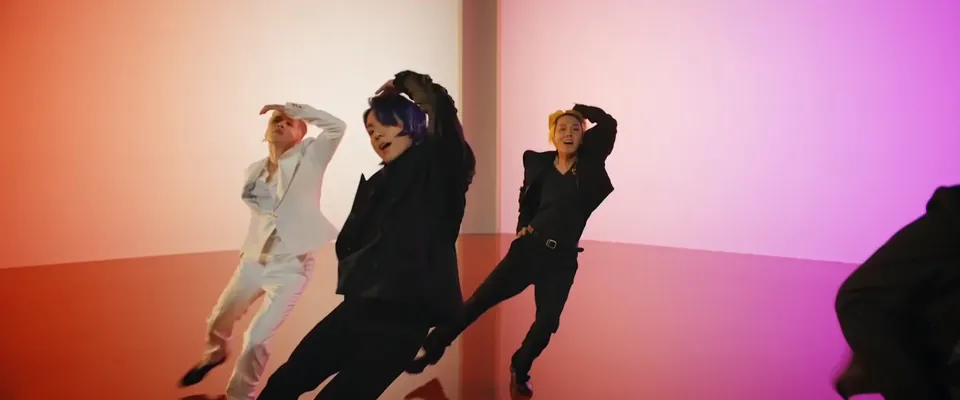
AI Video Background Remover
Automatically remove backgrounds from videos in seconds. Perfect for YouTube, TikTok, or marketing with zero green screen required.
Learn More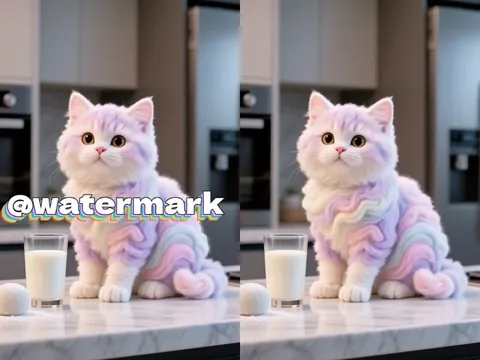
AI Video Watermark Remover
Erase static or dynamic watermarks from your videos. Automated AI processing delivers seamless, high-quality results.
Learn More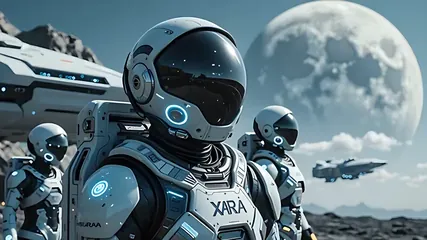
AI Image to Video
Convert photos to videos with AI. Perfect for storytelling and marketing. Try it now!
Learn More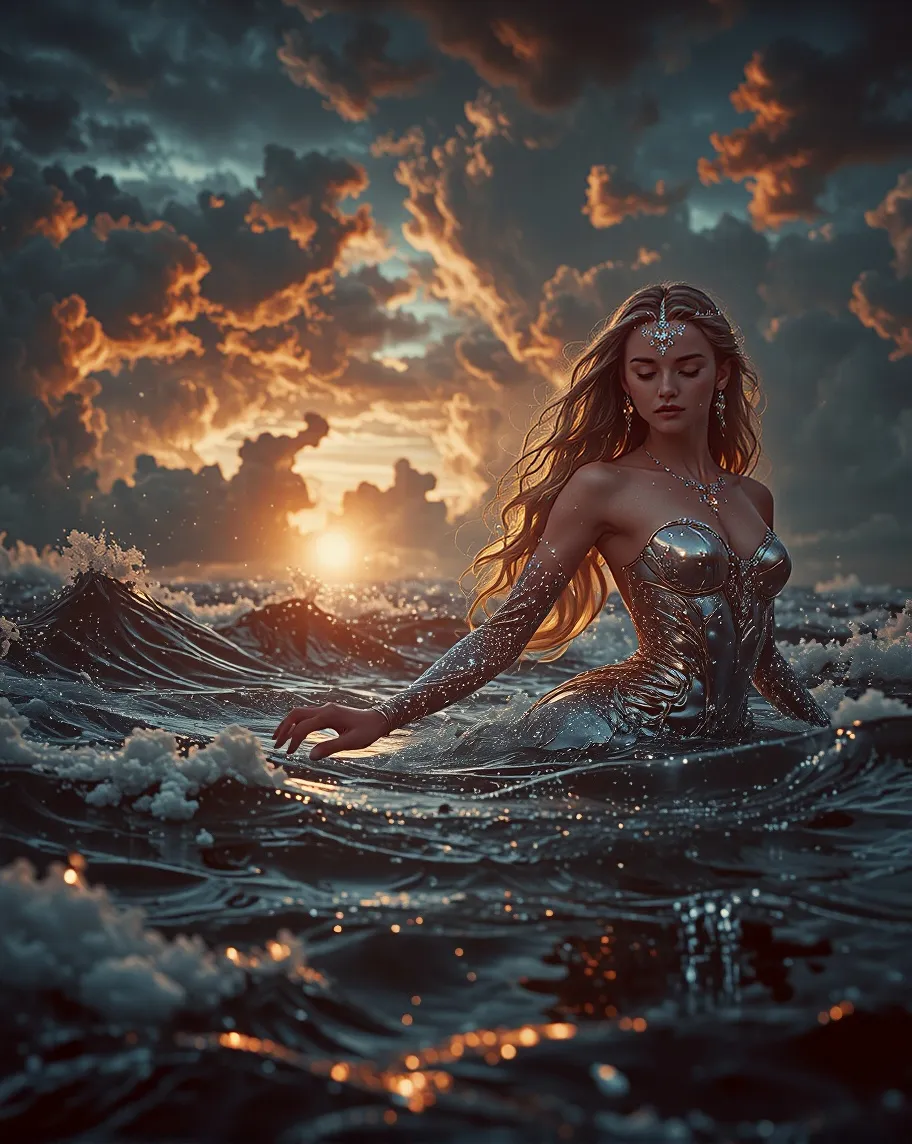
Text To Image
Transform your text descriptions into stunning AI-generated images with our advanced text-to-image technology.
Learn More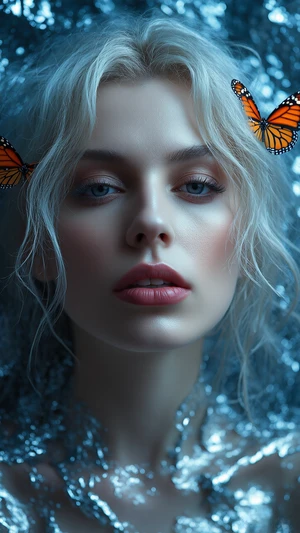
Image To Image
Transform existing images into new styles, concepts, or variations with one click. Perfect for refining ideas or remixing visuals with AI precision.
Learn MoreYes. Kling O1 can generate videos up to about two minutes in length. The Kling AI video generator typically produces videos in shorter segments and then extends them smoothly to maintain motion consistency and visual continuity across the entire scene.
Currently, Kling O1 mainly focuses on high-quality visual generation. The Kling AI video generator produces cinematic visuals, while audio, voiceovers, or lip-sync features are typically added later using dedicated audio tools in a post-production workflow.
Rendering time with Kling O1 depends on video length, resolution, and edit complexity. In most cases, the Kling AI video generator processes video-to-video edits within a few minutes, making it practical for iterative creative workflows.
Kling O1 stands out for its strong control and multimodal capabilities. The Kling AI video generator supports consistent characters, frame guidance, and Kling AI image to video workflows, helping creators produce more predictable cinematic results.
The chain-of-thought reasoning in Kling O1 helps the Kling AI video generator analyze motion and interactions before rendering. This leads to smoother movement, more realistic physics, and better visual stability compared with many standard video models.
In most cases, videos generated with Kling O1 can be used commercially depending on the platform plan. The Kling AI video generator generally allows creators to use generated content for marketing, social media, and advertising projects.
When using Kling O1 and the Kling AI image to video workflow, uploaded assets are handled according to platform privacy policies. User data and reference images are typically protected and not publicly exposed or shared without permission.
Turn ideas or images into cinematic scenes with Kling O1 in Arting AI. Use the Kling AI video generator and Kling AI image to video tools to create dynamic videos in seconds.