
Free Seedance 2.0 Online - Advanced Multimodal Video Generation
Create stunning multimodal videos with Seedance 2.0. Use Seedance AI online free to generate high-quality AI videos from text, images, and creative prompts instantly.

Key Features of Arting AI Seedance 2.0 Video Generator
Explore powerful tools in Seedance 2.0 and Seedance AI for fast, precise, and cinematic video creation using text, images, and multimodal inputs.
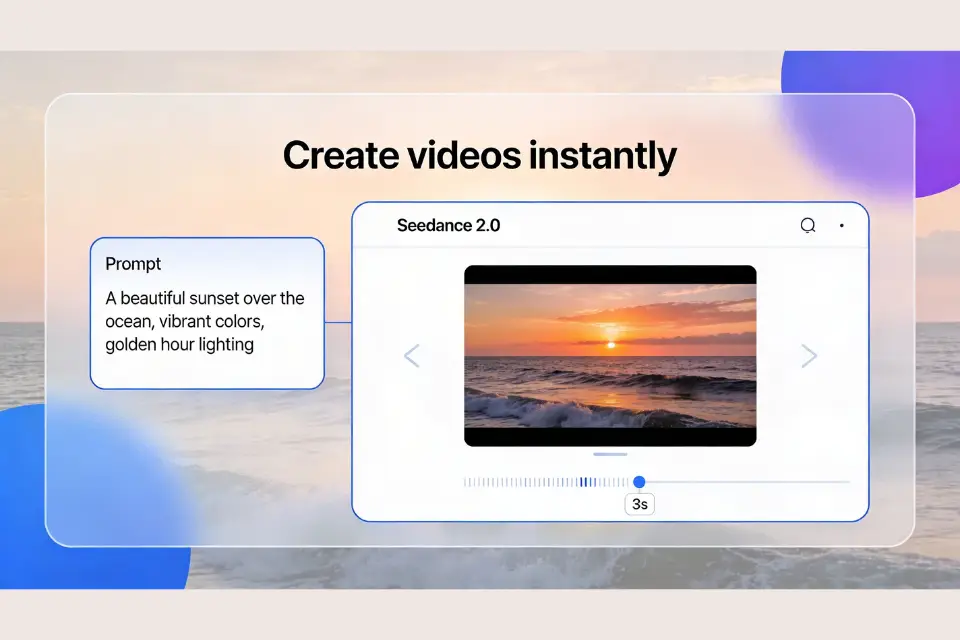
Instant Creation with Seedance 2.0
Seedance 2.0 turns a single prompt into a complete, high-quality video within seconds. With Seedance AI, recreate trending clips or reimagine iconic scenes while preserving style, structure, and storytelling intent, helping creators save hours of manual editing and production time.
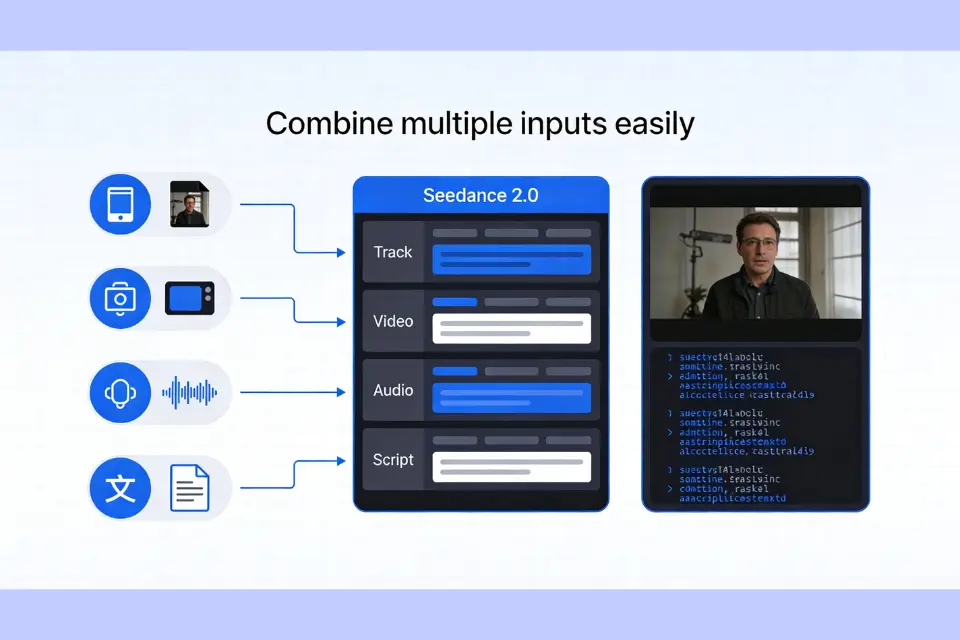
Multimodal Engine Powered by Seedance AI
Seedance 2.0 supports images, video, audio, and text in one seamless workflow. Seedance AI understands each input automatically and keeps characters, scenes, and visual elements consistent, even when combining multiple assets into one unified and professional video.
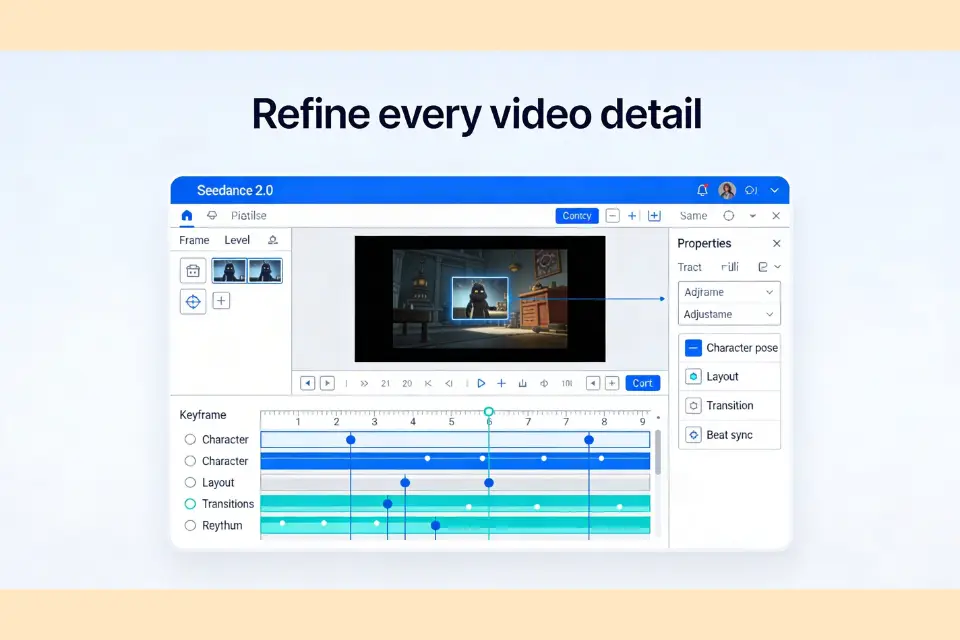
Pixel Control and Precision in Seedance 2.0
Every detail stays consistent with Seedance 2.0 frame-level control. Seedance AI lets you refine characters, layouts, transitions, and visual rhythm, ensuring polished results and giving creators full control over composition and storytelling quality.
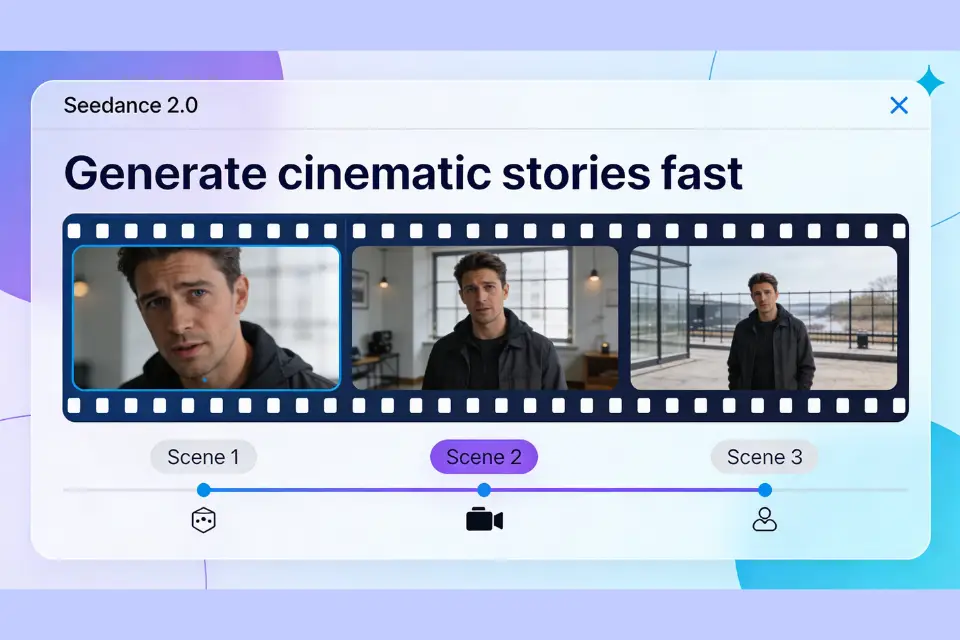
Cinematic Storytelling with Seedance AI
Seedance 2.0 enables smooth narrative flow across scenes and shots. Seedance AI synchronizes motion, sound, and camera angles to generate new storylines or extend videos with cinematic continuity and engaging visual storytelling.
How to Use Seedance 2.0 on Arting AI
Learn how to create videos with Seedance 2.0 and Seedance AI on Arting AI. Turn text and images into high-quality videos in just a few simple steps.
1
Step 1: Upload Image or Enter Prompt
Upload an image you want to animate or simply describe your video idea in text. Use the prompt enhancement feature to refine your description and achieve more accurate video generation results.
2
Step 2: Adjust Settings and Generate
Set video parameters such as aspect ratio, resolution, and duration based on your needs. Click generate and let the AI process your inputs to create smooth, high-quality videos in seconds.
3
Step 3: Preview, Download, and Share
Preview your generated video instantly in high resolution. Once ready, download it without watermarks and share or edit it further for social media, marketing, or creative projects.
Benefits of Using Arting AI Seedance 2.0 Video Generator
Explore how Seedance 2.0 and Seedance AI on Arting AI help creators produce consistent, cinematic, and viral-ready videos faster with multimodal generation.

Instant Viral Video Creation
Create complete videos from one prompt with Seedance 2.0. Seedance AI quickly turns ideas, trends, and storytelling concepts into engaging videos while saving production and editing time.
Consistent Characters and Branding
Seedance 2.0 keeps characters and brand visuals consistent across every scene. Seedance AI maintains identity, style, and details for storytelling, marketing, and recurring content.

Easy Style and VFX Transfer
Apply cinematic styles and visual effects using Seedance 2.0. Seedance AI transfers anime, film, or creative references into new videos with professional results and minimal effort.

Faster Multimodal Video Workflow
Seedance 2.0 combines text and images into smooth video creation. Seedance AI simplifies production for social media, ads, and storytelling with fast, high-quality generation.
Expand Your Creativity with More AI Tools
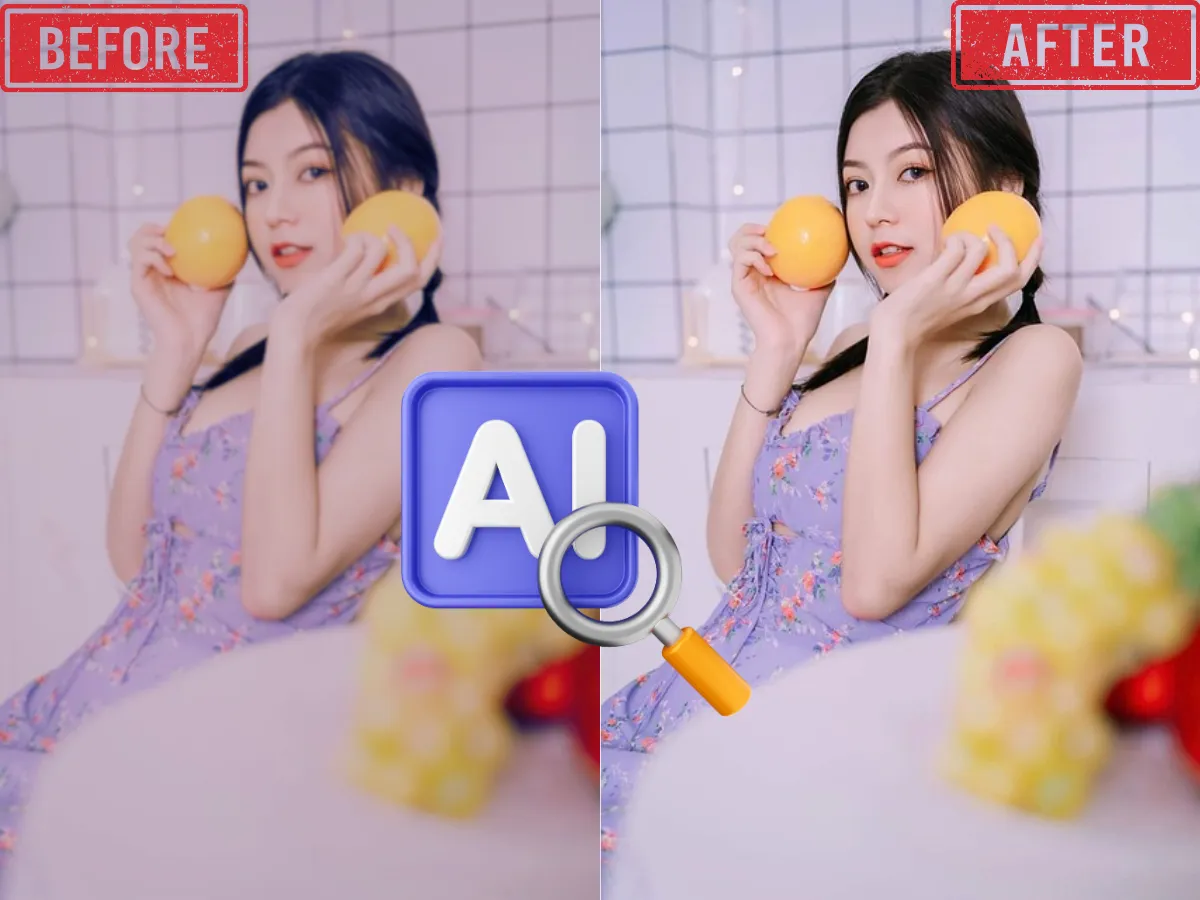
AI Image Enhancer
Enhance and upscale images for better resolution, sharpness, and color with one click using AI-powered image enhancement.
Learn More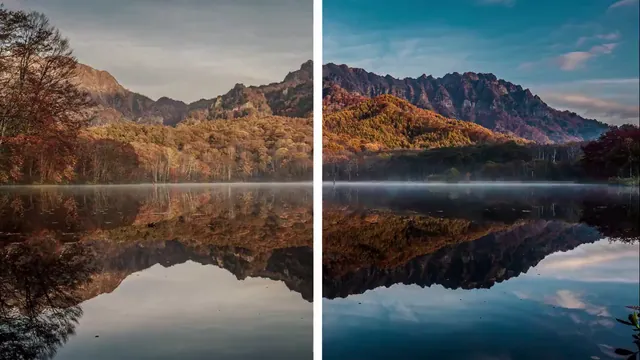
AI Video Enhancer
Boost video quality, clarify details, and enhance resolution with advanced AI—perfect for restoring old or low-res videos.
Learn More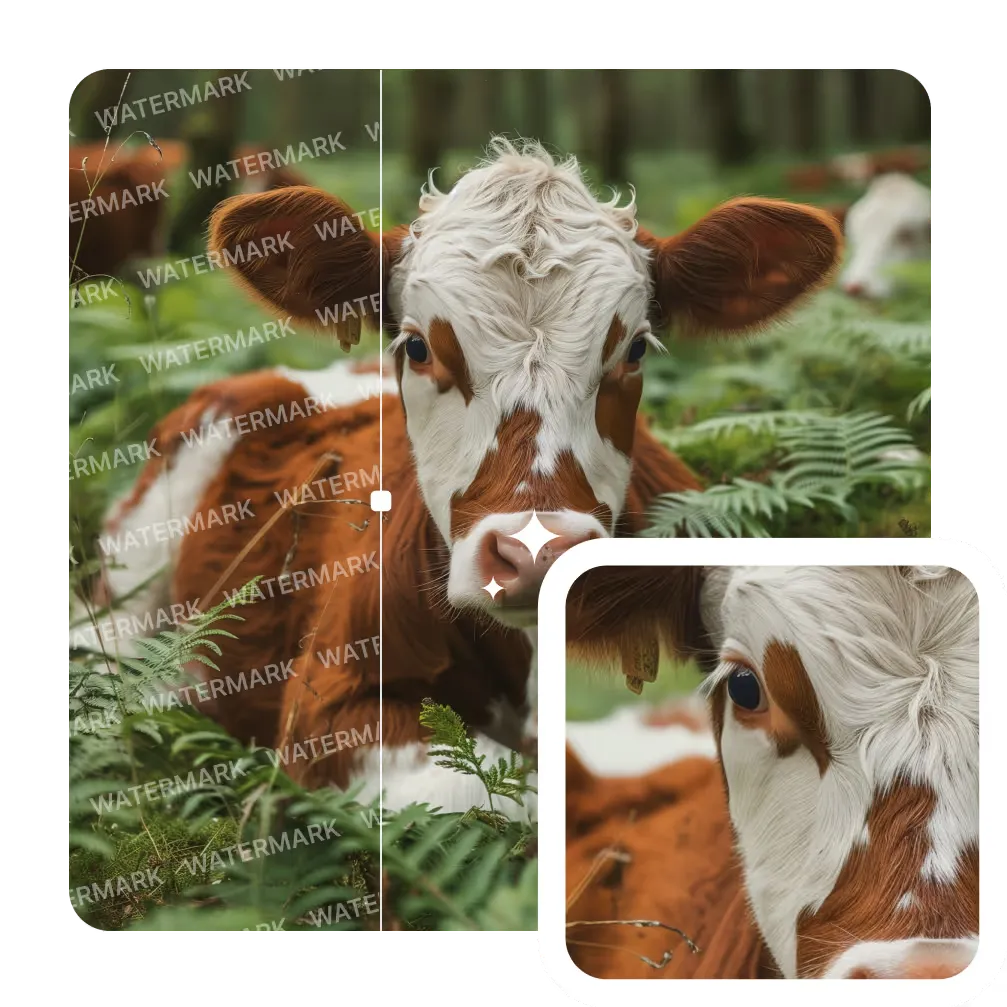
AI Image Watermark Remover
Remove unwanted watermarks from images cleanly and quickly with AI-powered technology. Get clear results with no trace.
Learn More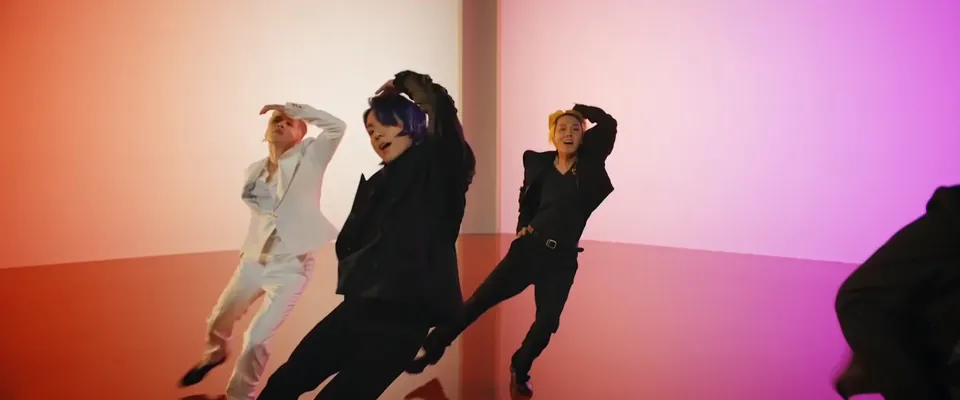
AI Video Background Remover
Automatically remove backgrounds from videos in seconds. Perfect for YouTube, TikTok, or marketing with zero green screen required.
Learn More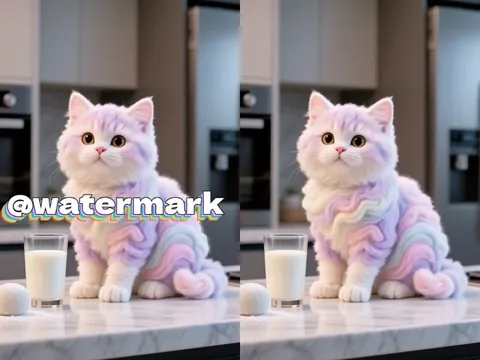
AI Video Watermark Remover
Erase static or dynamic watermarks from your videos. Automated AI processing delivers seamless, high-quality results.
Learn More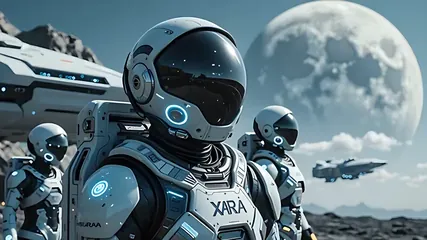
AI Image to Video
Convert photos to videos with AI. Perfect for storytelling and marketing. Try it now!
Learn More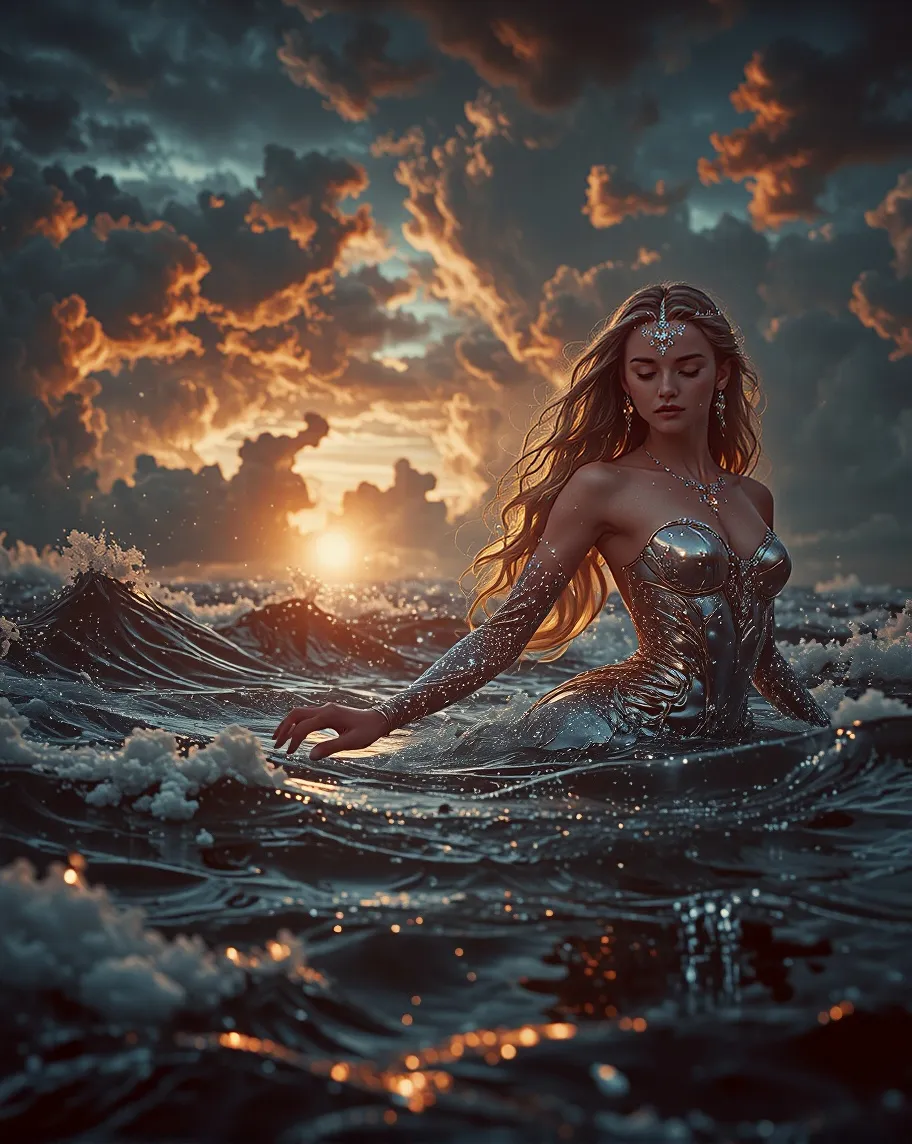
Text To Image
Transform your text descriptions into stunning AI-generated images with our advanced text-to-image technology.
Learn More
Image To Image
Transform existing images into new styles, concepts, or variations with one click. Perfect for refining ideas or remixing visuals with AI precision.
Learn MoreFrequently Asked Questions About Seedance 2.0
How does Seedance 2.0 turn prompts into videos?
Seedance 2.0 analyzes your text or image prompt and converts it into a complete video. Seedance AI builds motion, lighting, and scene details automatically to create natural, realistic visual storytelling.
What results can creators expect from Seedance AI?
With Seedance 2.0, creators get cinematic-quality videos with smooth motion and balanced lighting. Seedance AI produces professional visuals ready for marketing, storytelling, or social media publishing.
Why do videos from Seedance 2.0 look more natural?
Seedance 2.0 studies real-world motion and lighting patterns. Seedance AI replicates human movement and environmental dynamics, making generated videos feel more realistic and visually consistent.
Can Seedance 2.0 handle complex scenes or fast motion?
Yes, Seedance 2.0 manages complex scenes and rapid movement easily. Seedance AI stabilizes visuals, maintains focus, and ensures smooth transitions even in high-action or crowded video sequences.
Can Seedance AI combine text and images in one video?
Seedance 2.0 blends text prompts and image inputs seamlessly. Seedance AI understands layout and meaning from both sources to generate cohesive, visually rich videos from multiple inputs.
Can Seedance 2.0 optimize videos for social media platforms?
Yes, Seedance 2.0 supports multiple aspect ratios and formats. Seedance AI quickly adapts videos for TikTok, YouTube, Instagram, and other platforms to ensure the best visual performance.
Create Stunning Videos Instantly with Seedance 2.0
Get professional results in minutes with Seedance AI on Arting AI. Seedance 2.0 lets you generate dynamic, cinematic videos effortlessly. Use Seedance AI online free with no sign up and download your video instantly.