Flux Kontext Pro
HOTCreate images with vivid realism
'%3e%3cpath%20d='M21%2012.5C22.0967%2014.8394%2022.0719%2017.111%2020.3806%2019.2927C19.2444%2020.7584%2017.6145%2021.3217%2015.828%2021.3708C11.9509%2021.3708%208.32365%2019.5516%206.28684%2016.1976C4.59973%2013.4262%204.26239%209.95429%205.36831%206.90871C6.28143%204.41086%207.46084%202.81087%2010.0483%201C7.52869%202.02146%205.29217%203.66815%203.56093%205.8041C-1.52218%2012.0755%20-1.11525%2021.4004%204.47367%2027.2061C7.35443%2030.1986%2011.8078%2032.0031%2016%2032C21.8712%2032%2026.52%2027.2522%2026.5205%2021.3837C26.5208%2017.3191%2024.6405%2014.301%2021%2012.5Z'%20fill='%234285F4'/%3e%3cpath%20d='M11%2019.5C9.90325%2017.1606%209.92815%2014.889%2011.6194%2012.7073C12.7556%2011.2416%2014.3855%2010.6783%2016.172%2010.6292C20.0491%2010.6292%2023.6764%2012.4484%2025.7132%2015.8024C27.4003%2018.5738%2027.7376%2022.0457%2026.6317%2025.0913C25.7186%2027.5891%2024.5392%2029.1891%2021.9517%2031C24.4713%2029.9785%2026.7078%2028.3318%2028.4391%2026.1959C33.5222%2019.9245%2033.1152%2010.5996%2027.5263%204.79389C24.6456%201.8014%2020.1922%20-0.00309284%2016%20-1.39876e-06C10.1288%20-1.91204e-06%205.47997%204.74776%205.47949%2010.6163C5.47919%2014.6809%207.35947%2017.699%2011%2019.5Z'%20fill='%234285F4'/%3e%3c/g%3e%3cdefs%3e%3cclipPath%20id='clip0_11004_10'%3e%3crect%20width='32'%20height='32'%20fill='white'/%3e%3c/clipPath%3e%3c/defs%3e%3c/svg%3e)
Nano Banana
NEWAdvanced image model
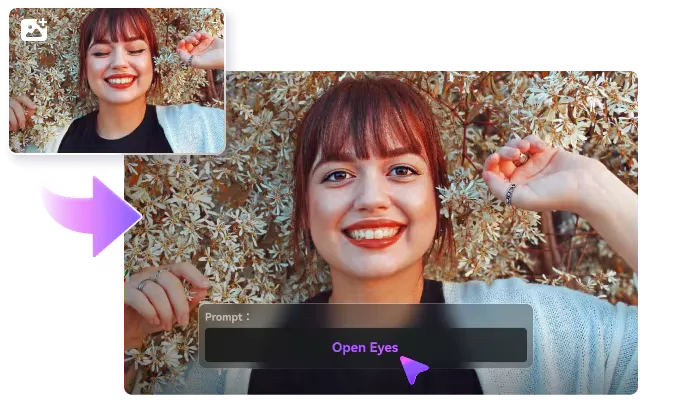
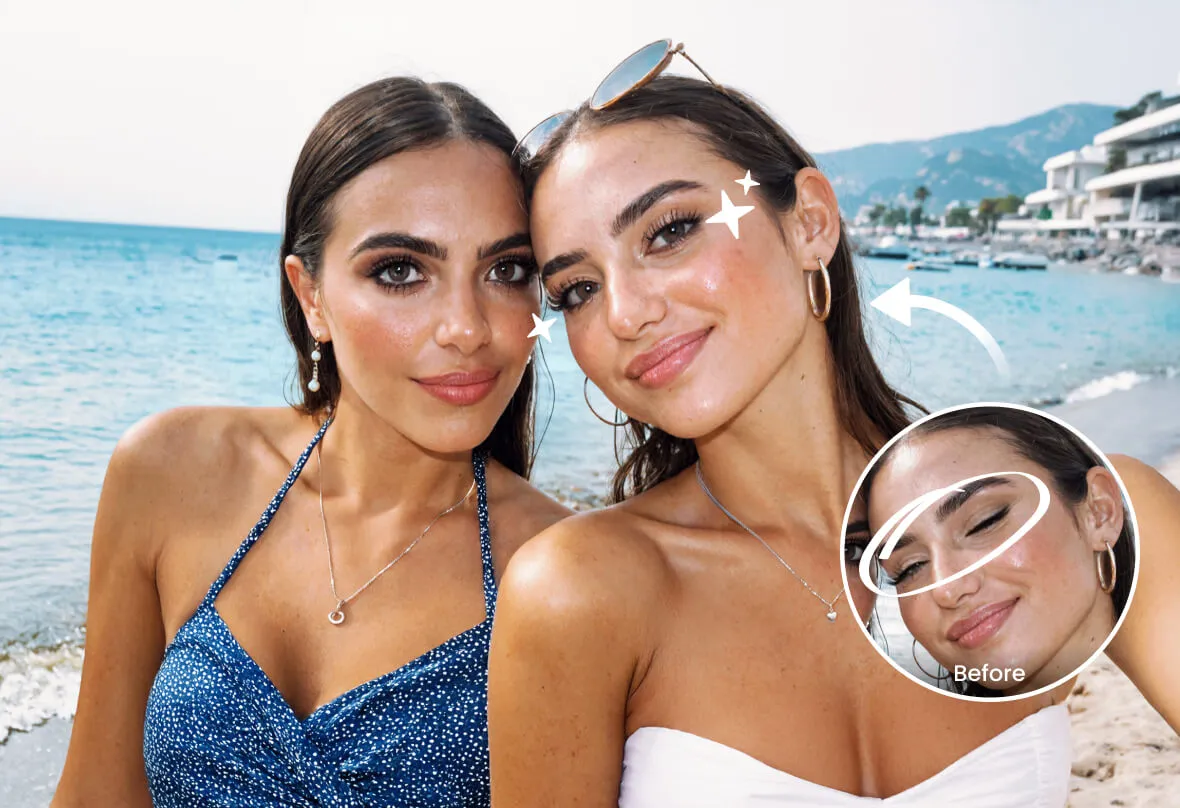
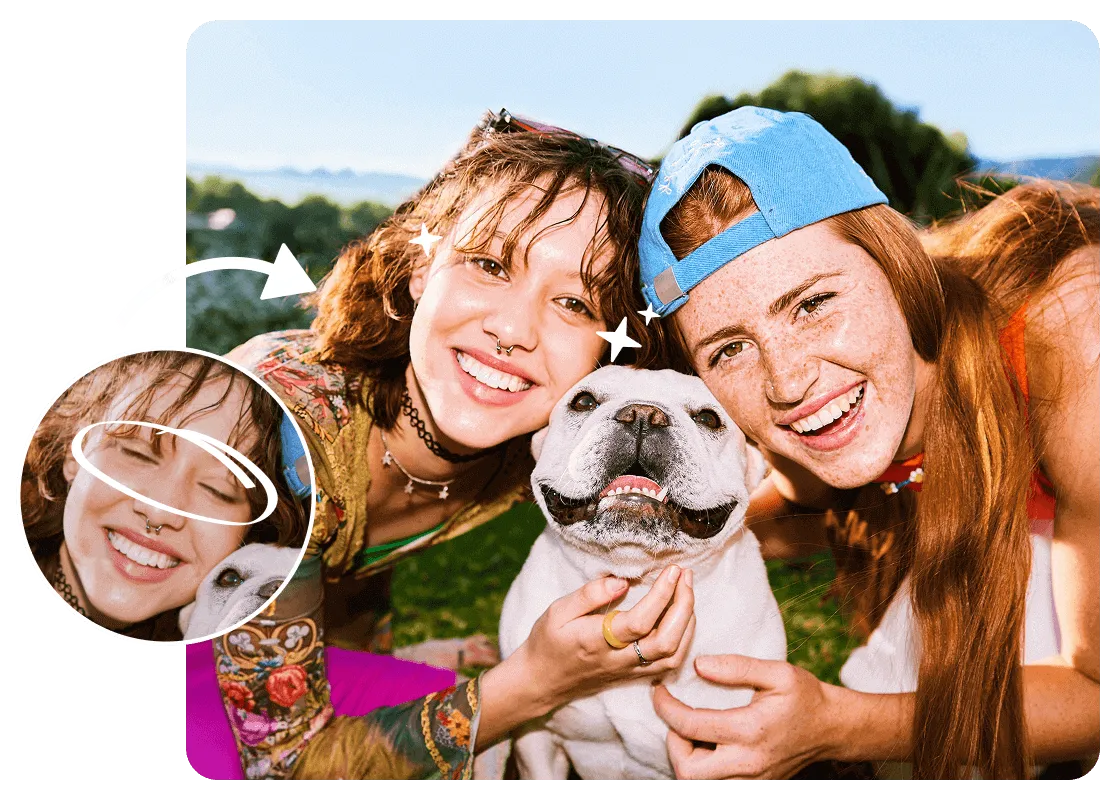
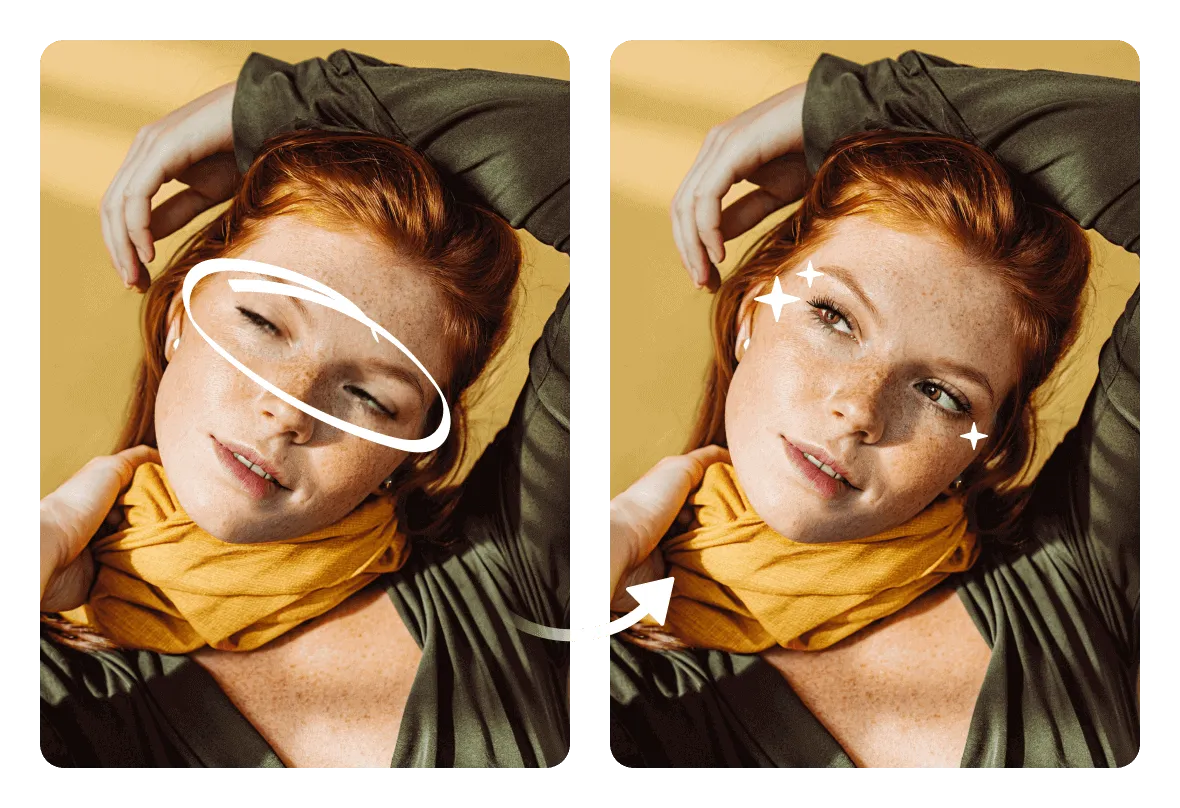
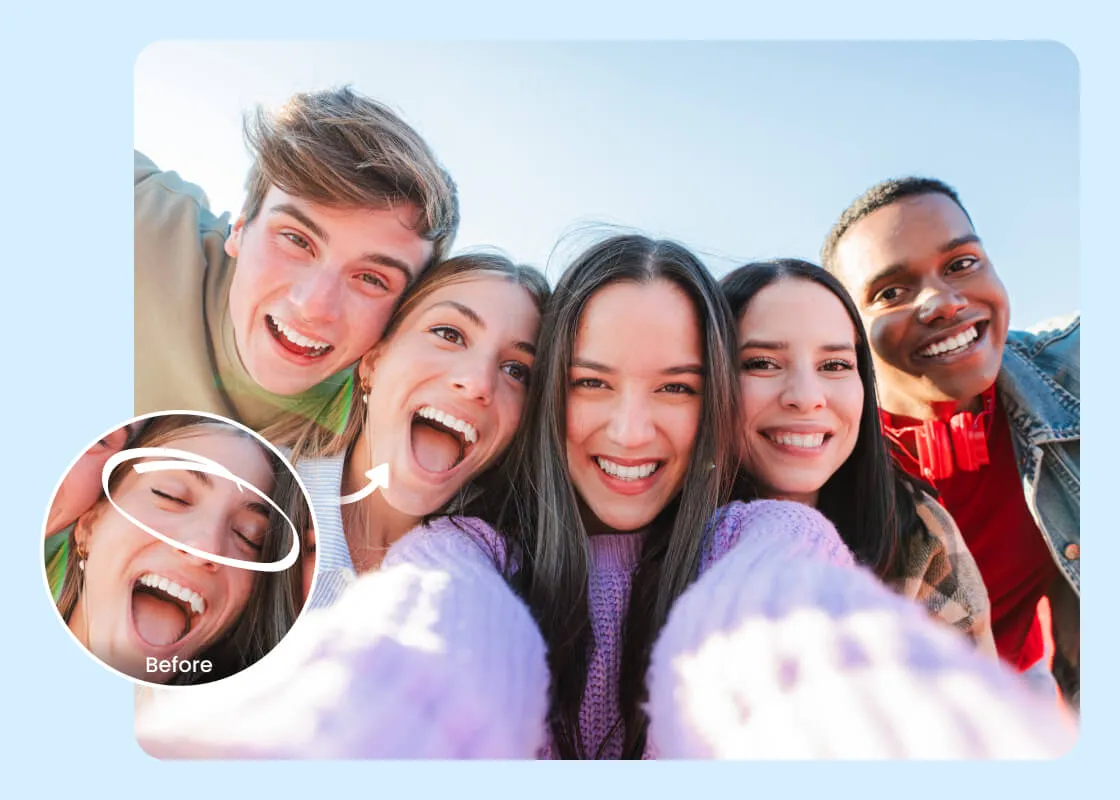
Open Closed Eyes in Photos with Arting AI Online Free
Effortlessly open closed eyes in photos with Arting AI’s AI-powered tool, instantly restoring natural expressions - no signup required, and perfect for flawless portraits, family moments, and social media posts. Try it now for free!

10,000,000+
Trusted Users

Rated By Users
800,000,000+
Creations
Trusted by 12,000,000+ users worldwide.
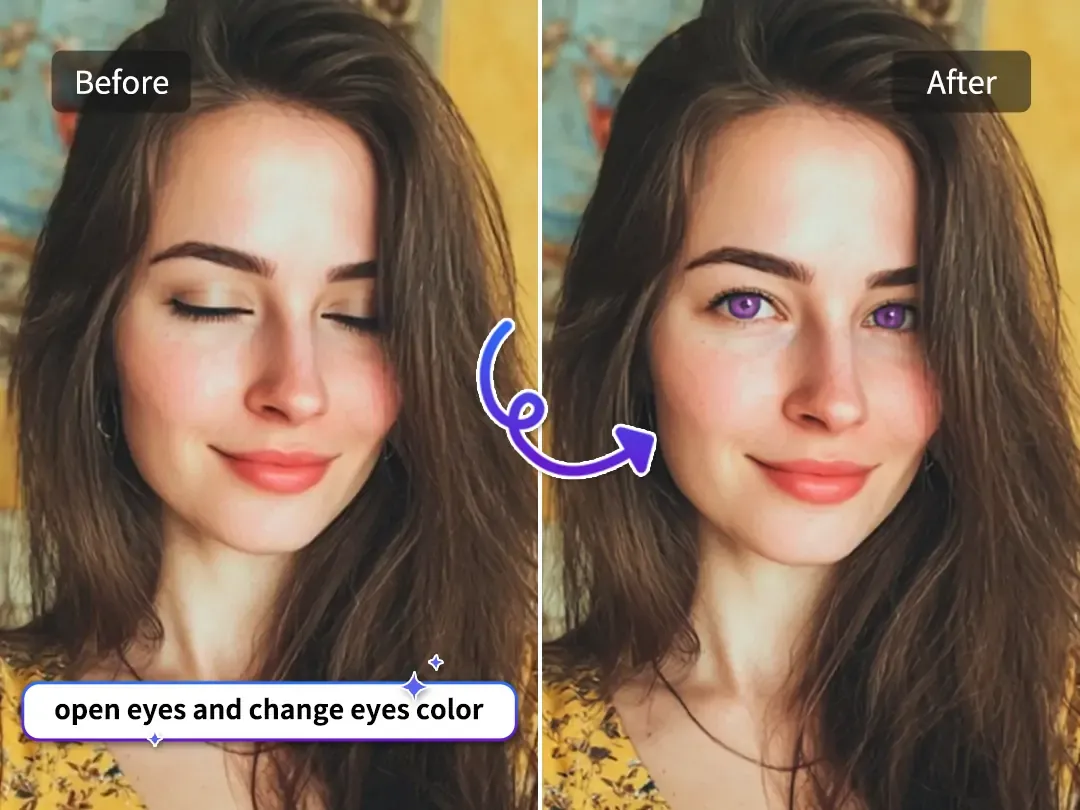
AI-Powered Precision for Natural Results
Instantly open closed eyes in photos using AI, delivering natural and realistic results. Perfect for portraits, selfies, and family photos.
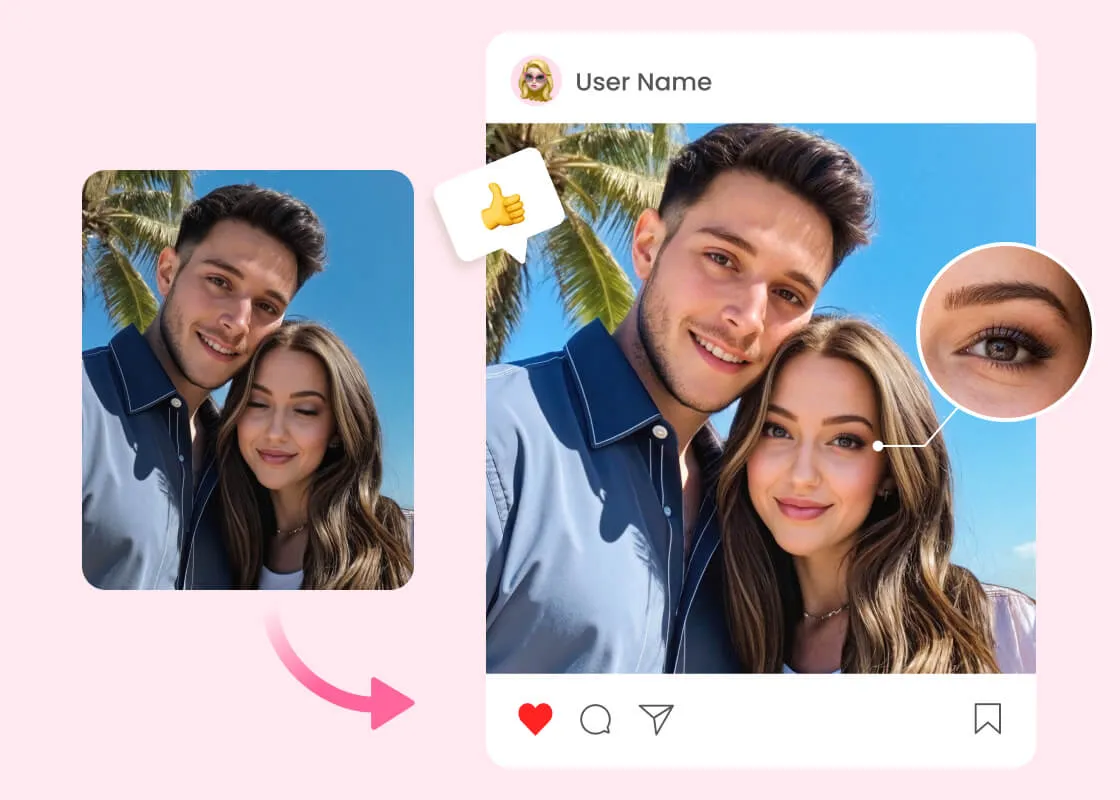
Perfect Every Group Photo and Selfie
Arting AI makes it easy to restore natural expressions in any photo. Whether it's a candid family shot or a fun selfie with friends, the AI tool effortlessly opens closed eyes, ensuring everyone looks their best.
How to Open Eyes in a Photo?
Step 1
Closed Eyes😴
Start with your picture with closed eyes.
Step 2
Open Eyes👀
Upload a picture with open eyes or generate some using our AI.
Step 3
Download ✨
Our AI does the magic and you can download the result.
What Users Are Saying About Arting AI
As a professional photographer, I often need to fix closed eyes in group shots. Arting AI is a game-changer. It’s fast, accurate, and the results look natural. Highly recommend it for any photographer!
@Lisa M. - Photographer
I use Arting AI to fix closed eyes in my selfies and photos for Instagram. It’s so easy to use, and the best part is that it’s free and doesn’t require an account. My followers love the improved images!
@Mark J. - Social Media Influencer
I’m so glad I found this tool. It saved me from having to retake family photos. Arting AI quickly opened the closed eyes in our group shot, making it look perfect. So simple to use!
@Claire D. - Family Photo Enthusiast
All Online Image & Video Editing Tools
AI Video Enhance
With Arting AI, effortlessly upgrade your videos to vibrant 4K quality right from your browser. Remove blurriness, increase resolution, and enhance the overall sharpness of your footage - no downloads or installations needed. Create professional-level videos in just minutes.
AI Image Enhance
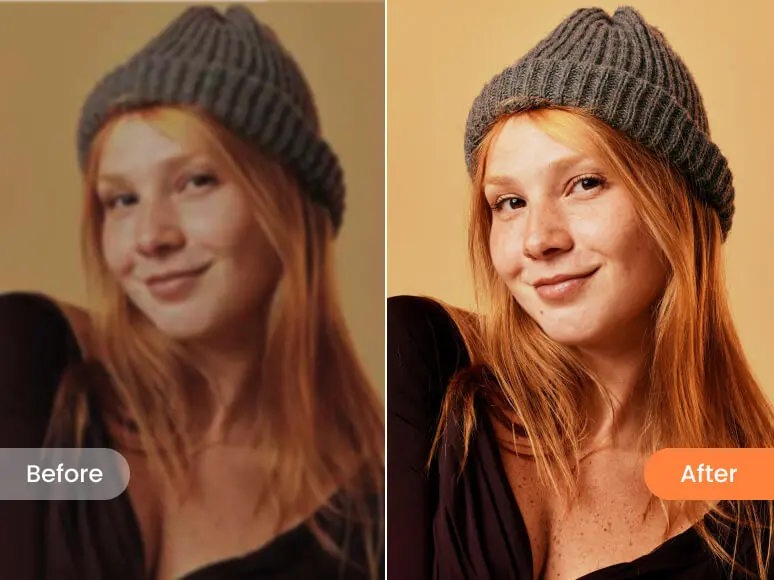
Arting AI’s Image Enhancer uses advanced artificial intelligence to boost your photo quality in seconds. Increase image resolution, enhance details, adjust brightness and contrast, and reduce noise - all with an easy-to-use interface available on desktop and mobile devices.
Video Watermark Remove
Easily get rid of watermarks from your videos using Arting AI’s smart watermark removal tool. Remove logos, timestamps, and unwanted marks quickly and efficiently, leaving your videos clean and ready for any professional or personal use.
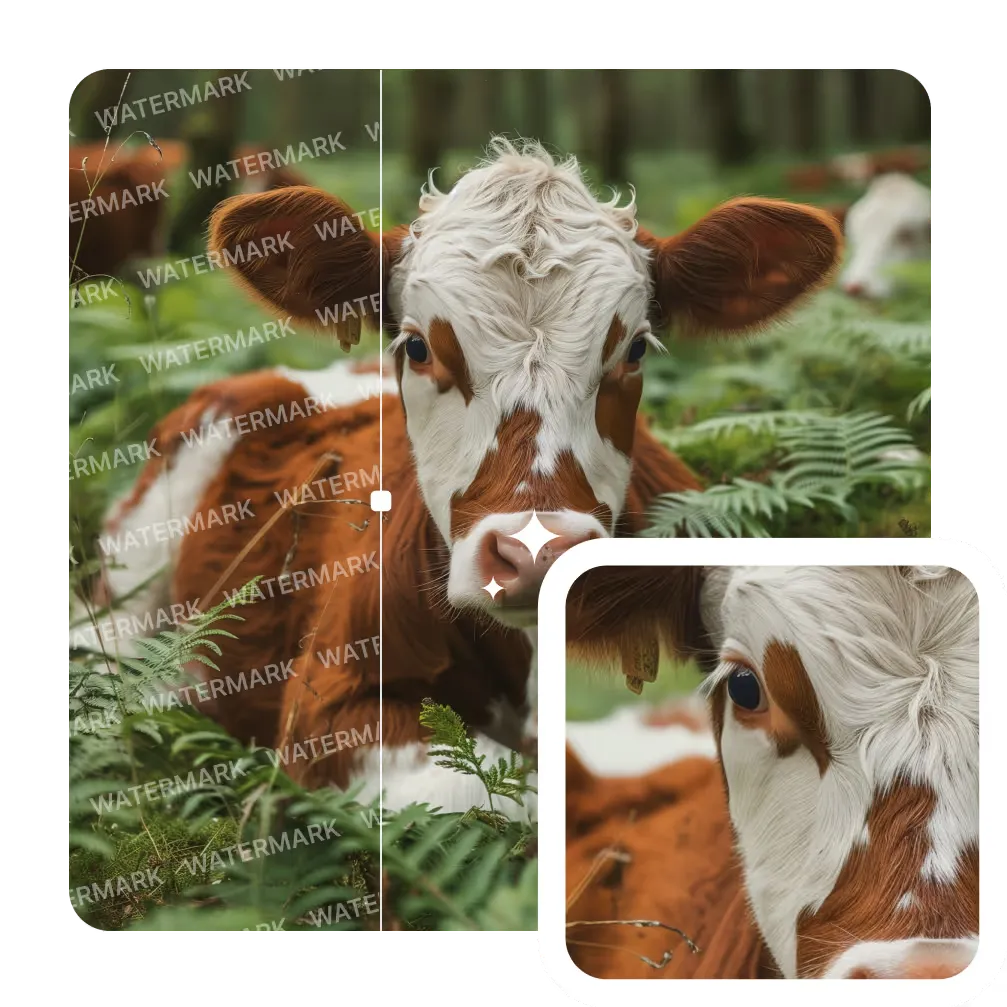
Image Watermark Remove
Remove unwanted watermarks from your images in seconds. Our AI-powered tool intelligently detects and erases logos, text, and other marks, restoring your photos to their original clarity with just one click.
Gif Watermark Remove
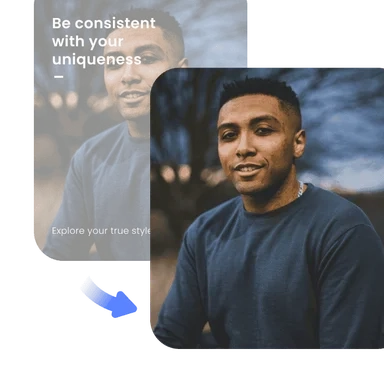
Effortlessly erase watermarks from GIF animations. Maintain smooth playback and image quality while removing distracting overlays or text, making your GIFs ready for sharing or professional use.
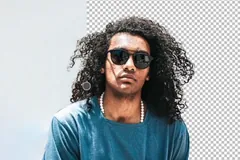
AI Background Remove
Instantly remove backgrounds from any image with advanced AI. Create transparent PNGs or add new backgrounds for product photos, profile pictures, and creative projects—no manual editing required.
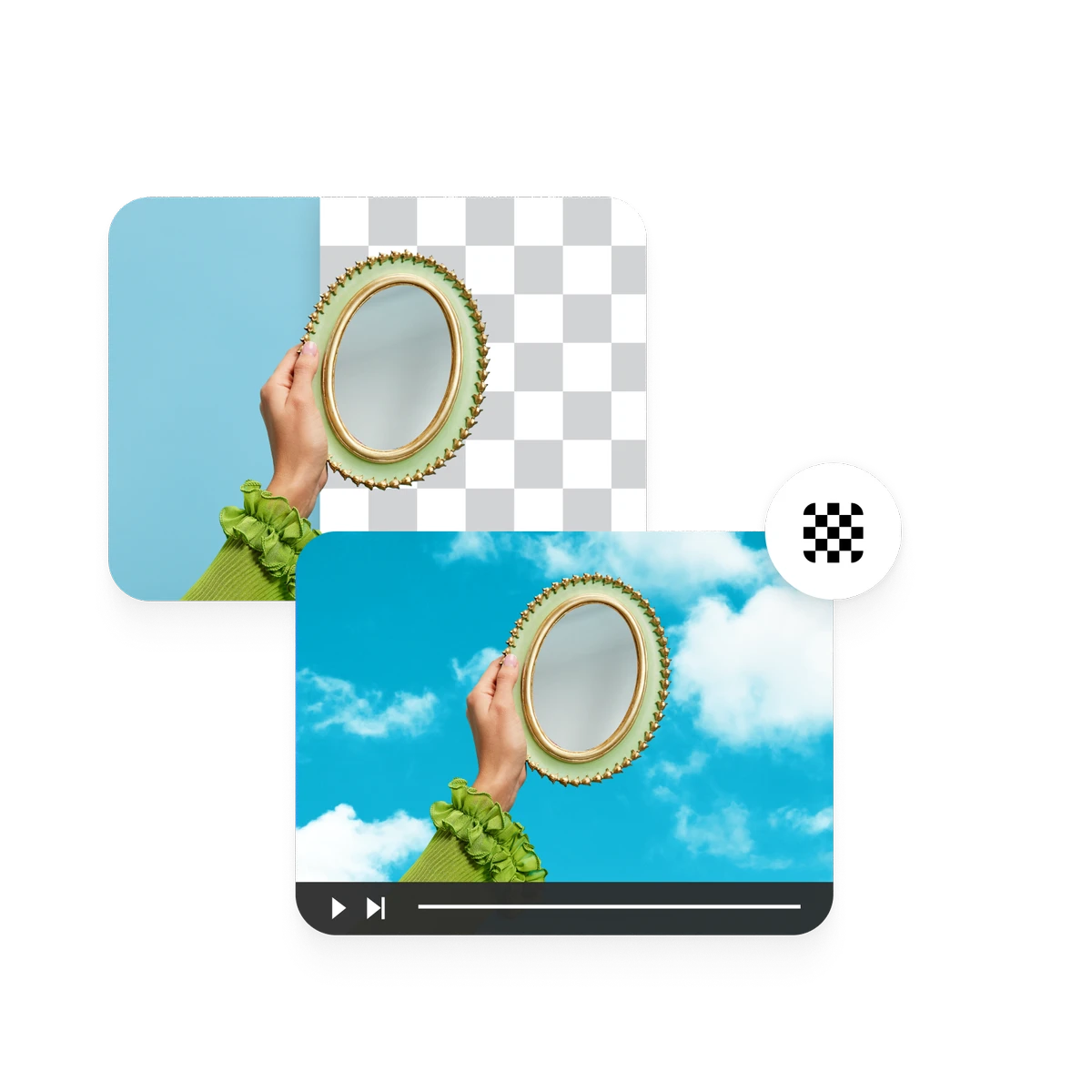
Video BackGround Remove
Automatically erase backgrounds from your videos online. Our AI engine separates subjects from any scene, enabling easy background replacement or green screen effects for professional video editing.
Frequently Asked Questions (FAQ) - Open Closed Eyes in Photos
How does Arting AI open closed eyes in photos?
Arting AI uses advanced AI technology to analyze your photo and automatically open closed eyes, creating a realistic and natural look. The process is quick and easy with no manual editing required.
Is Arting AI free to use?
Yes, Arting AI is completely free to use. You can open closed eyes in your photos without any charges or hidden fees.
Do I need to create an account to use the tool?
No, there’s no sign-up required. Simply upload your photo, and the AI will take care of the rest - no login or registration needed.
Can I use Arting AI for professional photos?
Yes, Arting AI is perfect for both personal and professional photos, including portraits, headshots, and group photos. It delivers high-quality, natural-looking results suitable for any project.
How long does it take to open closed eyes in my photo?
The process is fast and usually takes just a few seconds. Once you upload your image, Arting AI will instantly process it and open the closed eyes, ready for download.
Open Eyes in Photos for Free
Don’t let your closed or blinking eyes ruin your perfect shot. Try our eye opener tool to generate eyes that match your real ones.